Create embeddable partner registration forms
Embeddable partner registration forms let you collect partner signups directly from your own website or landing pages. They simplify the onboarding process, increase conversion rates by meeting partners where they are, and ensure signups are automatically connected to your Partnero program. This article explains how to create and embed these forms. 
How to design and insert the form
- Open your program and go to Partner portal under Affiliate.
- Under the Forms tab, switch to Embeddable sign-up:
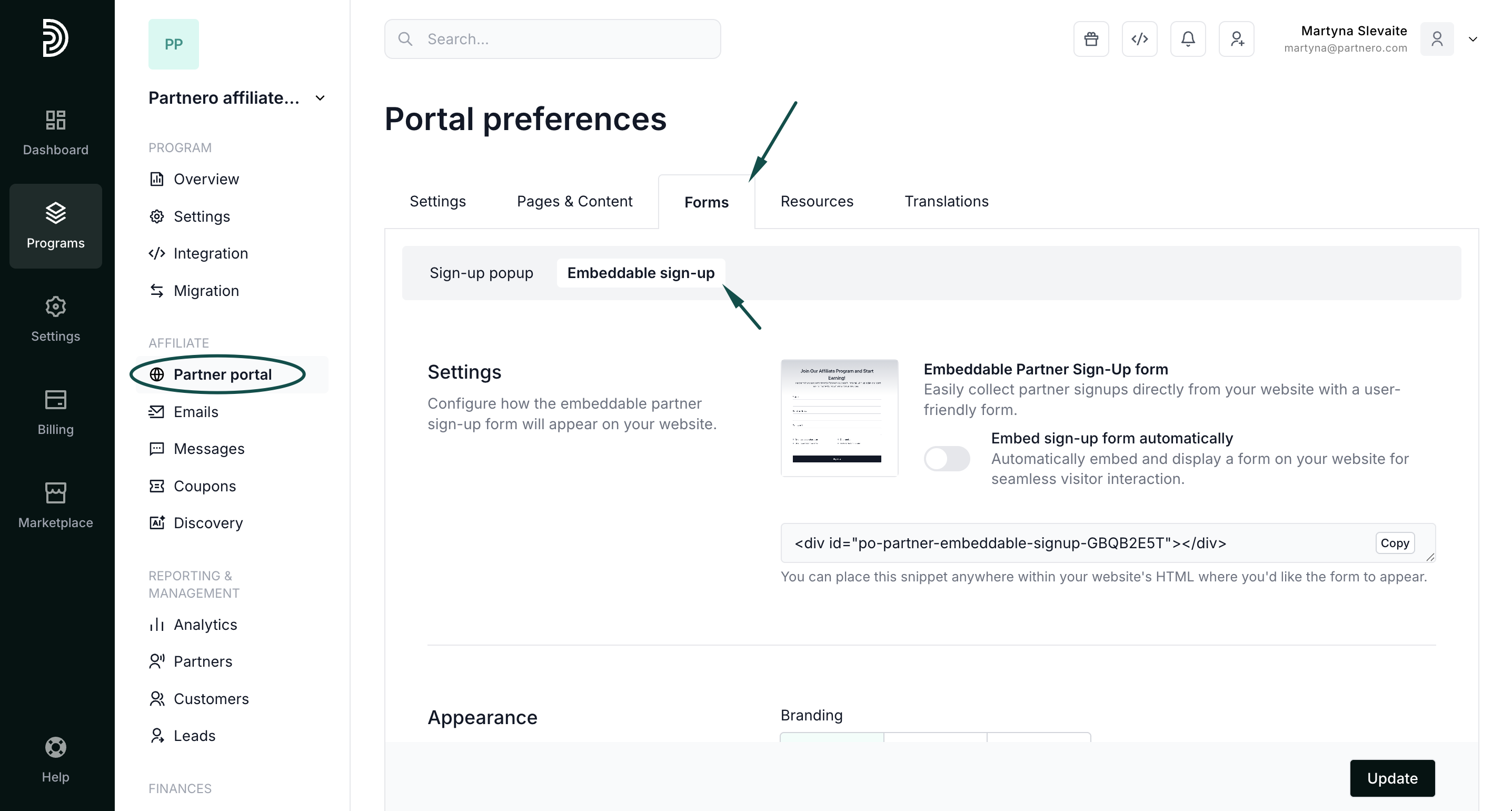
You'll find three sections here. We'll review each one below.
Settings: add the form to your website
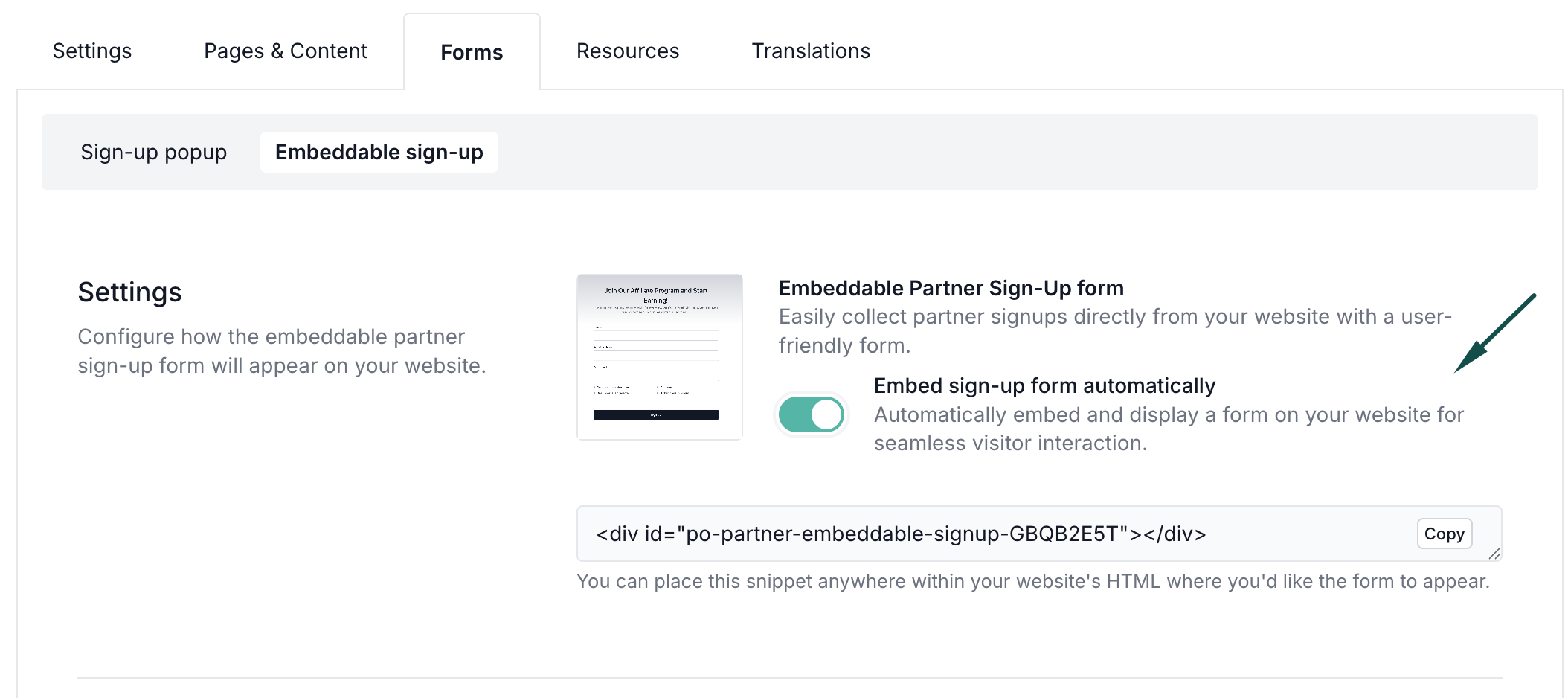
Under the Settings section, you can enable the sign-up form. To have the form visible on your website:
- Toggle to Embed sign-up form automatically:
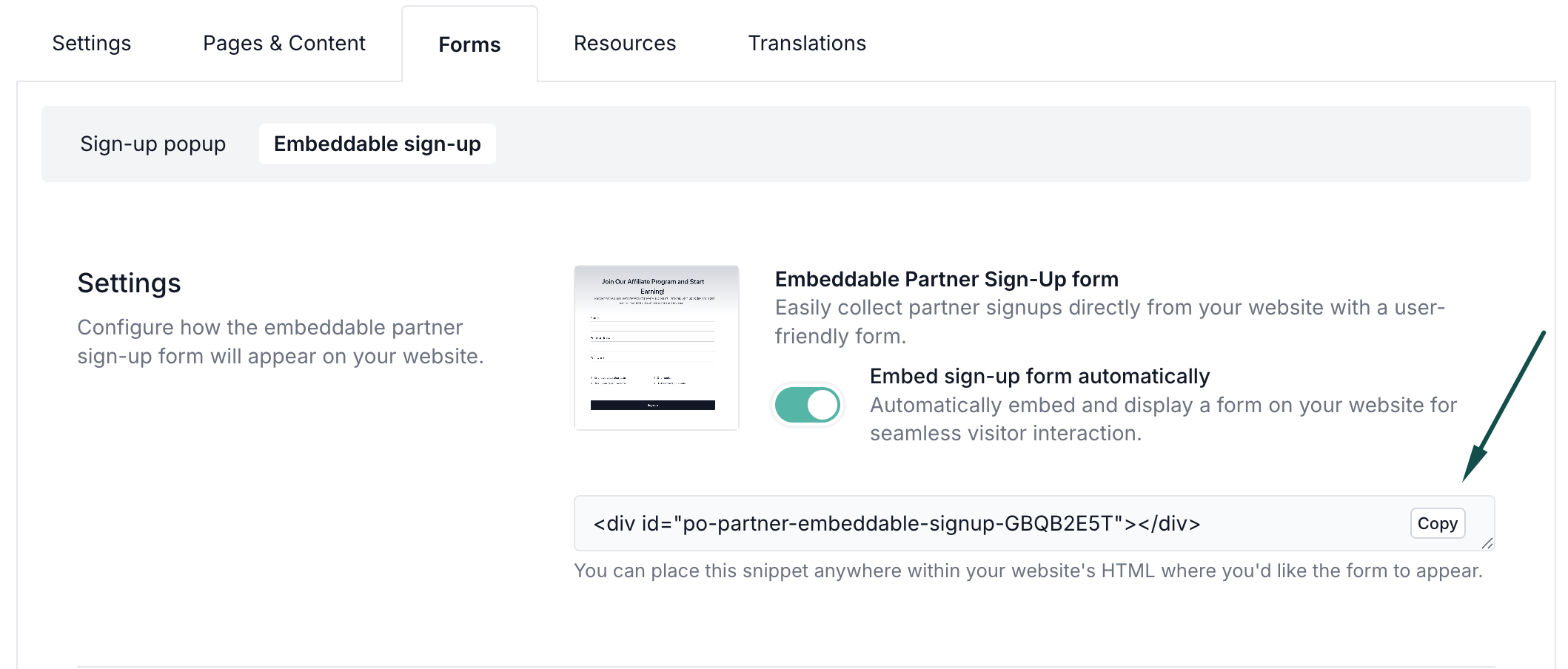
- Copy the provided script snippet and place it within your website's HTML code where you want the form to be visible:
⚠️ Important: PartneroJS snippet must be inserted on your website for the form to work.
With most Partnero integration methods, the script will already be present on your website, so you won't need to do anything else.
If your website doesn't have the PartneroJS snippet:
- Open your program and go to Integration under Program.
- Scroll down to Program details to locate the PartneroJS snippet:
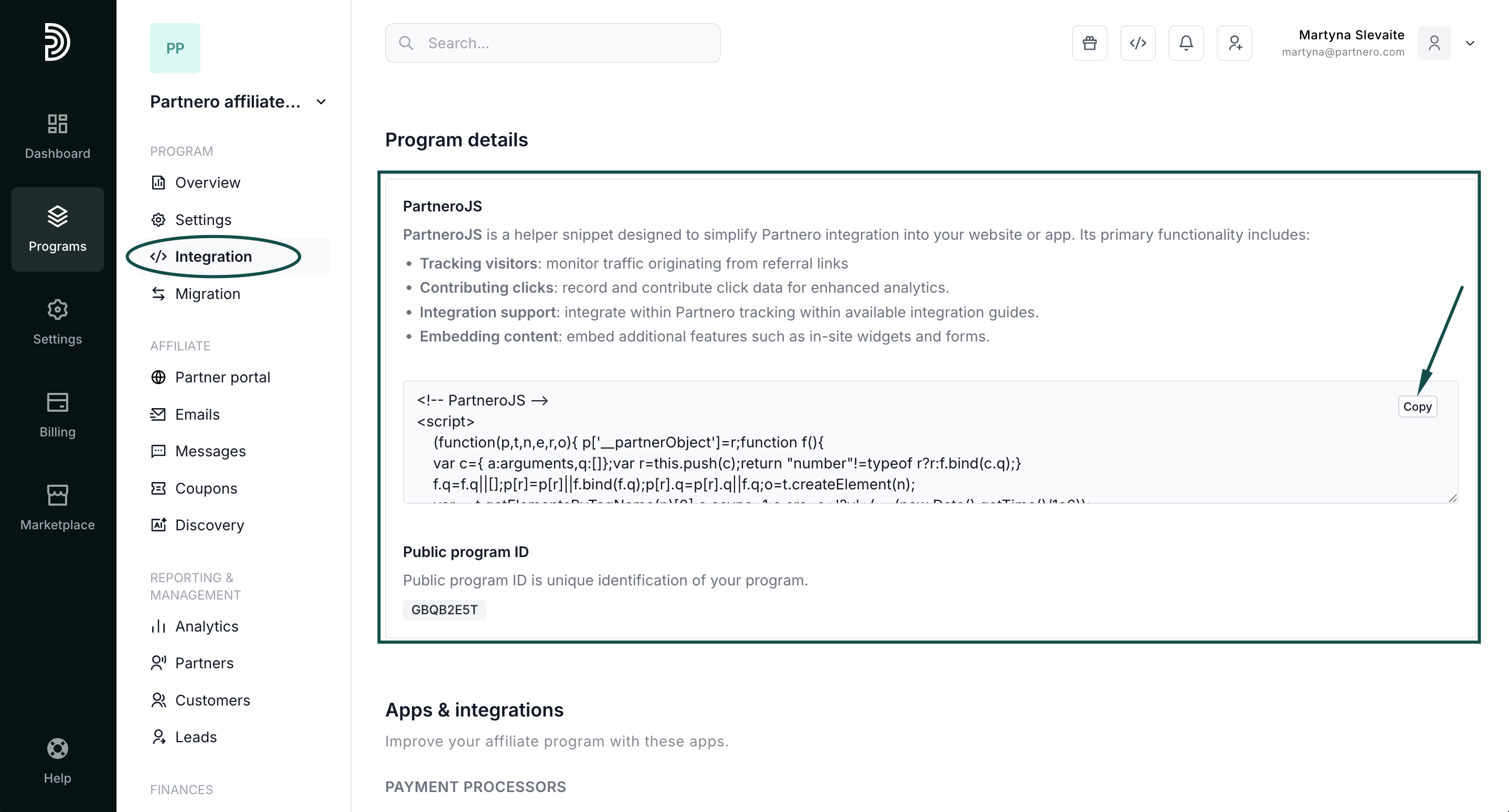
- Copy the provided Partnero JS snippet and paste it before the closing of the </head> tag in the HTML code of your website.
Appearance: edit form design
The second section is where you can design your form's appearance.  Experiment with different settings to find the design that fits your branding. You choose between different branding options (such as logo, symbol, or none) as well as background and text colors, layout, and input style.
Content: customize form content
The last section allows you to customize the form content and messaging.

Here you can:
- Edit the title and description for the form.
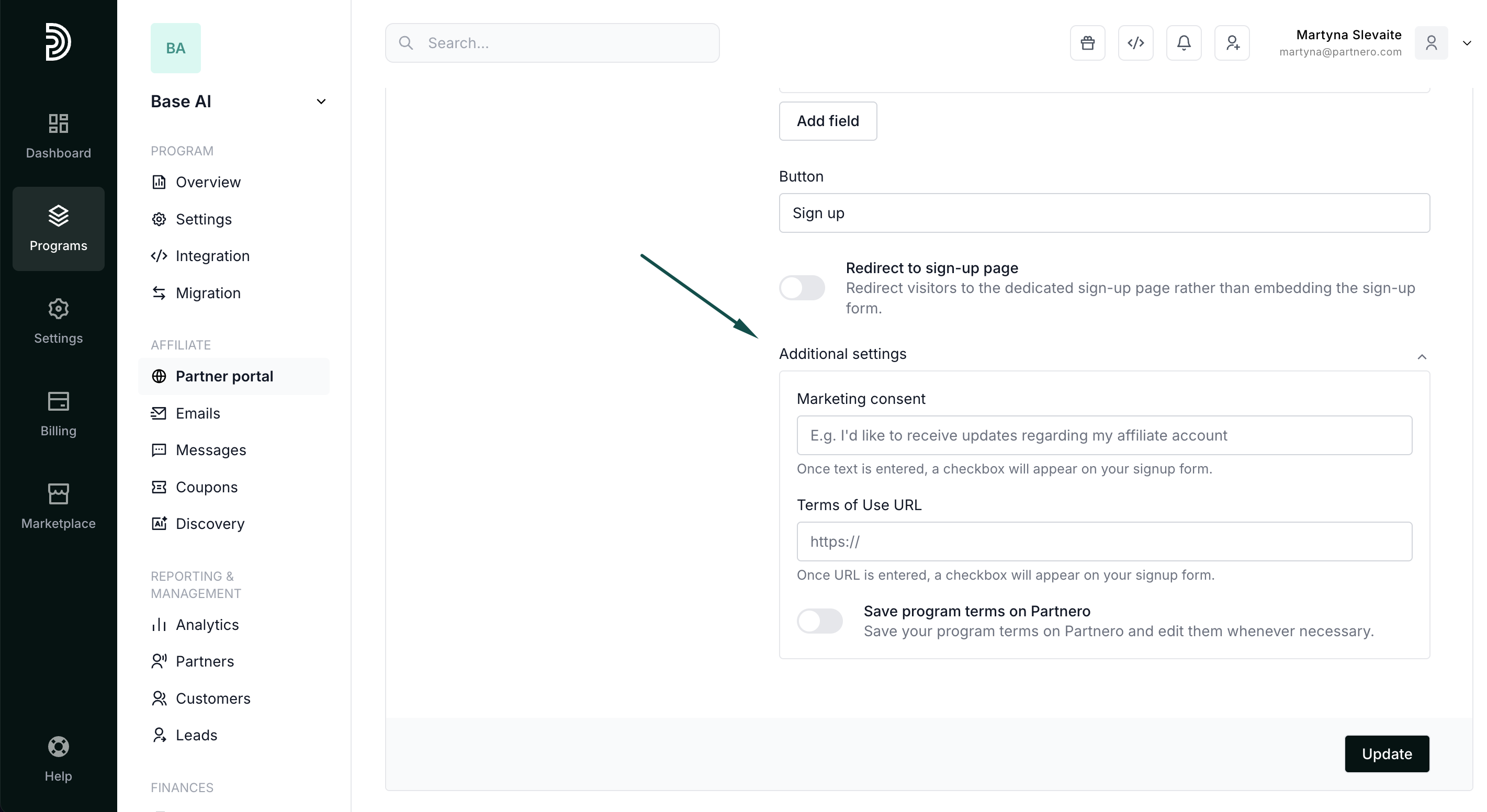
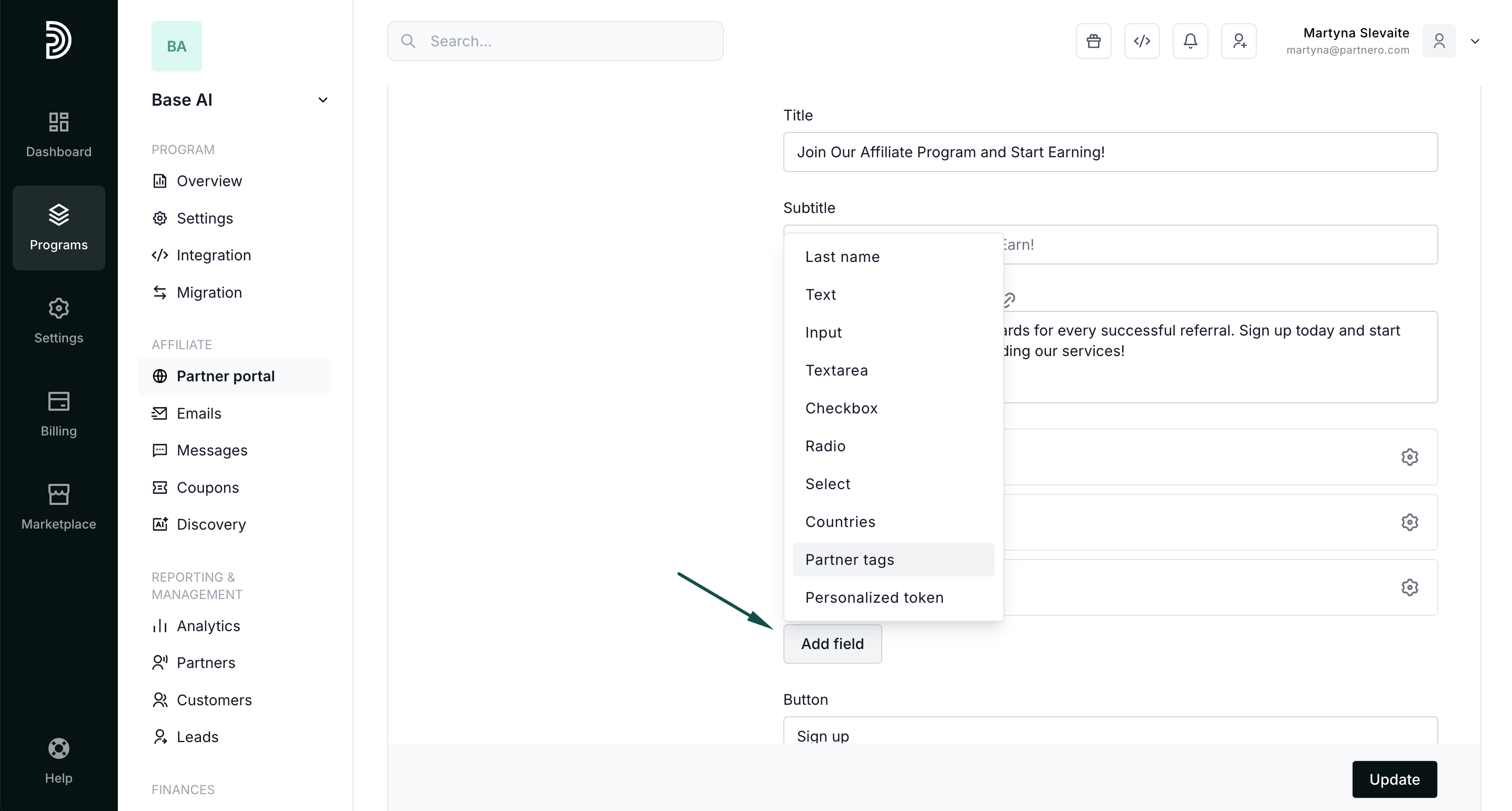
- Customize what data you're collecting by adding fields to the sign-up form:
- Edit the CTA text.
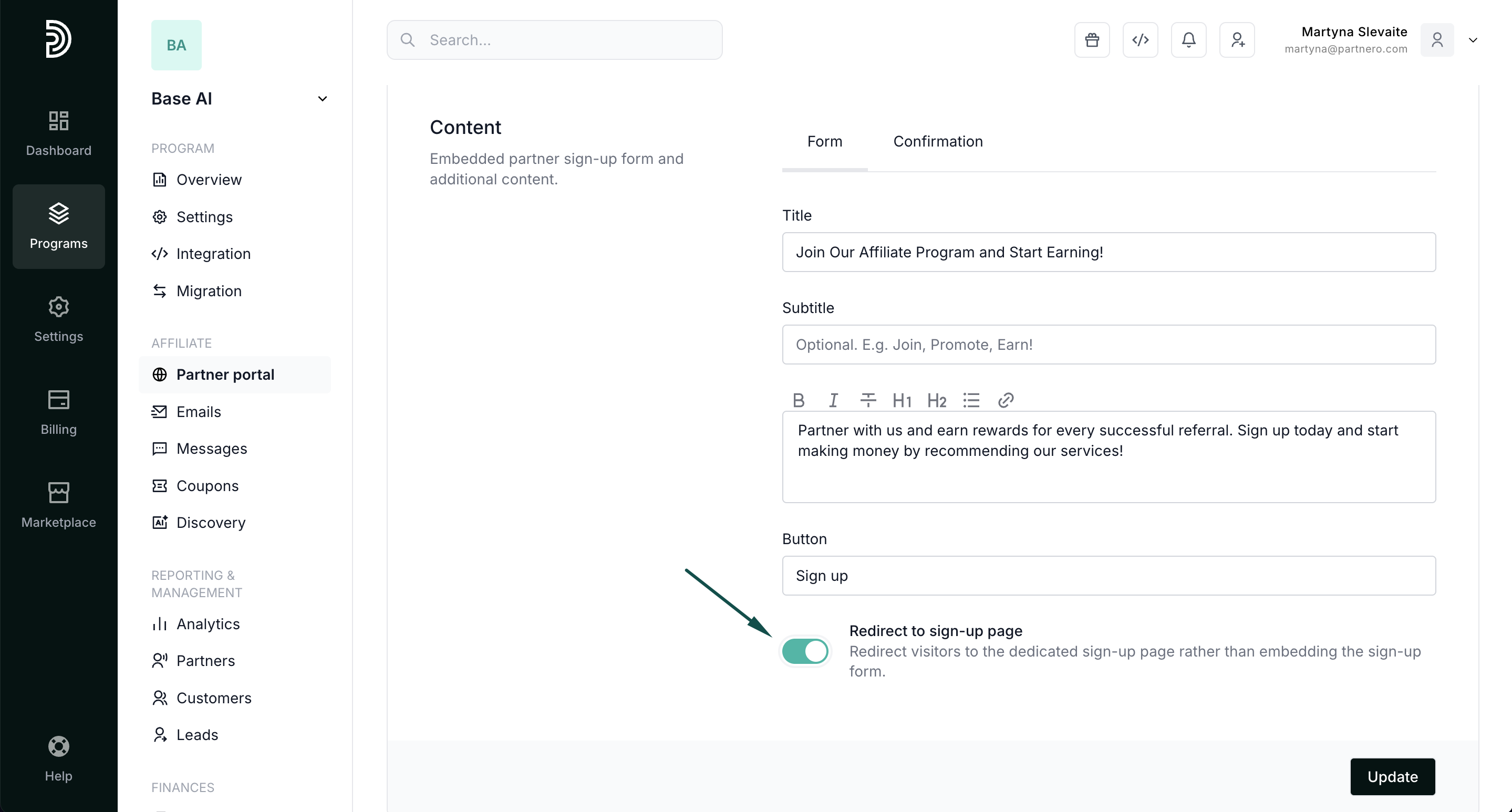
- Select to redirect visitors to a signup page. If you enable this option, the signup form will be removed from the form, and users will be redirected to the standard partner portal signup page upon clicking the CTA.
- Opt to collect marketing permissions and add your program terms of use: