
Customize partner portal SEO and tracking
With Partnero, you can customize SEO and tracking for your partner portal.
To access the settings:
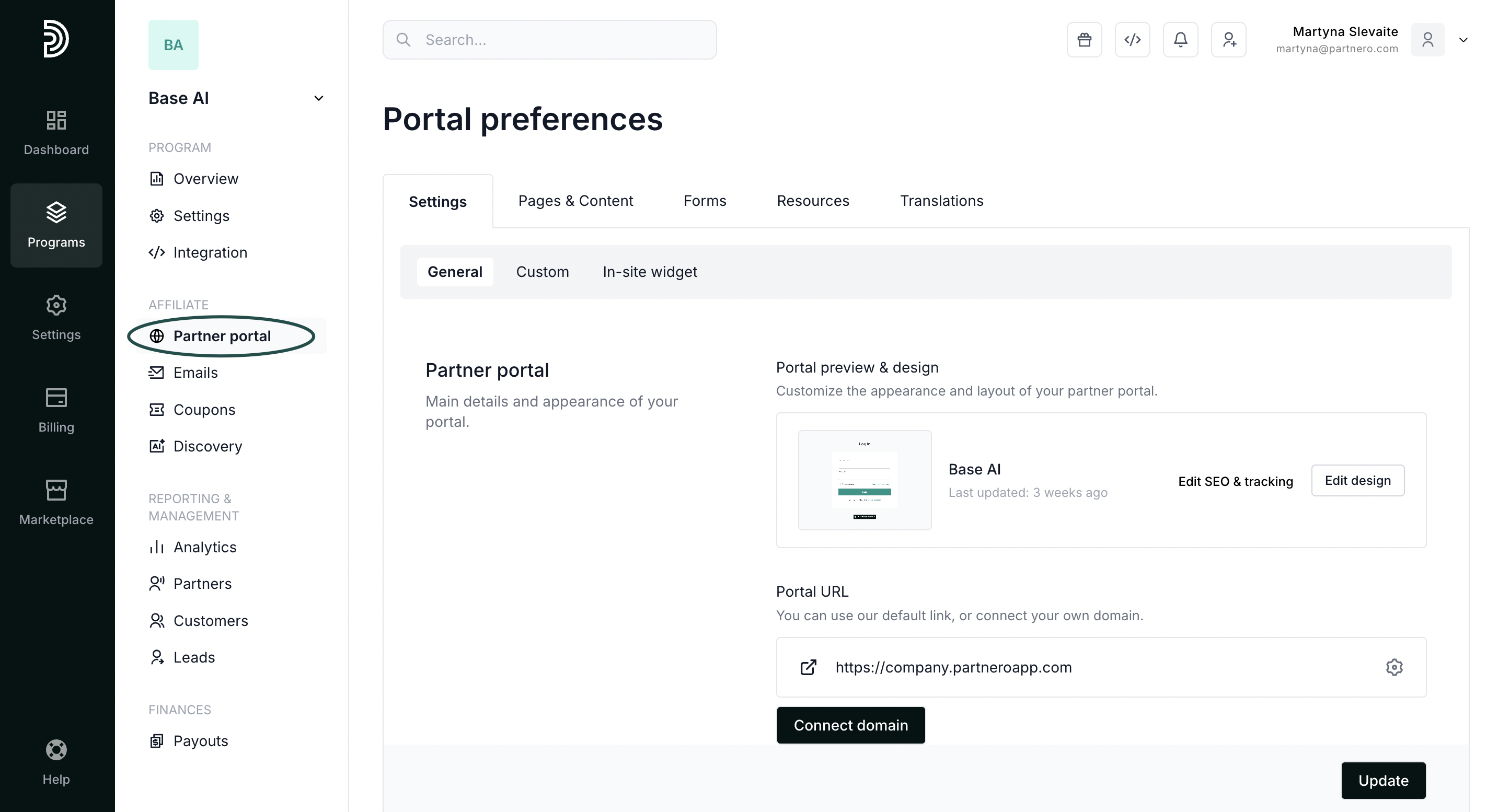
- In your affiliate program, go to Partner portal under Affiliate:
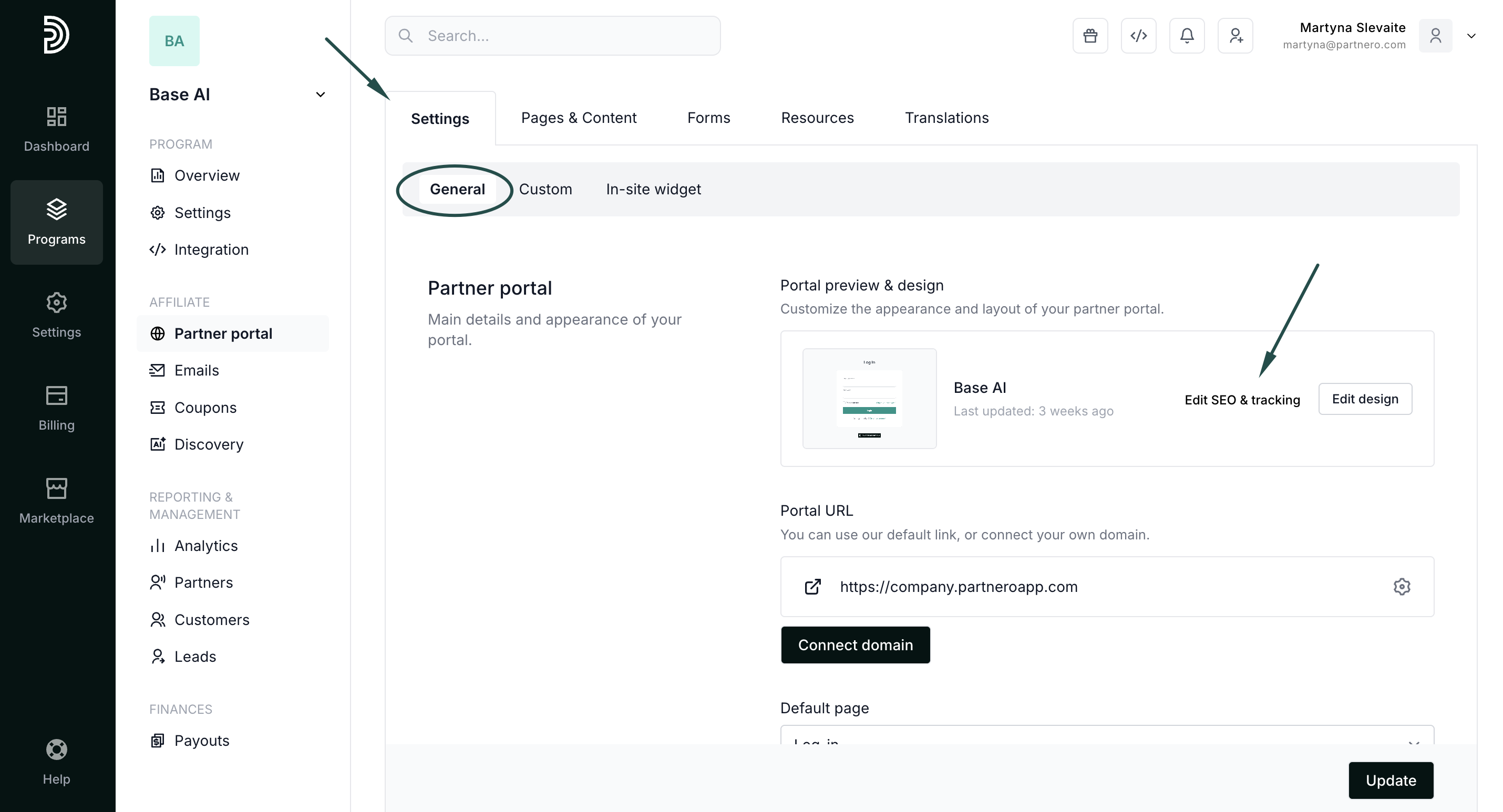
- In the Settings tab, General section, click Edit SEO & tracking:
Here, you can:
- upload meta image;
- enter the page title, keyword, and page description.
The Trackers section allows you to:
- enter your Google Analytics code to track partner activity;
- enter a Facebook Pixel ID.
 Click Update to close the modal and save your changes.