
Add content to partner portal log-in and sign-up pages
Instead of using an image, you can add content to the sidebar of your affiliate portal login and signup pages: 
To do that:
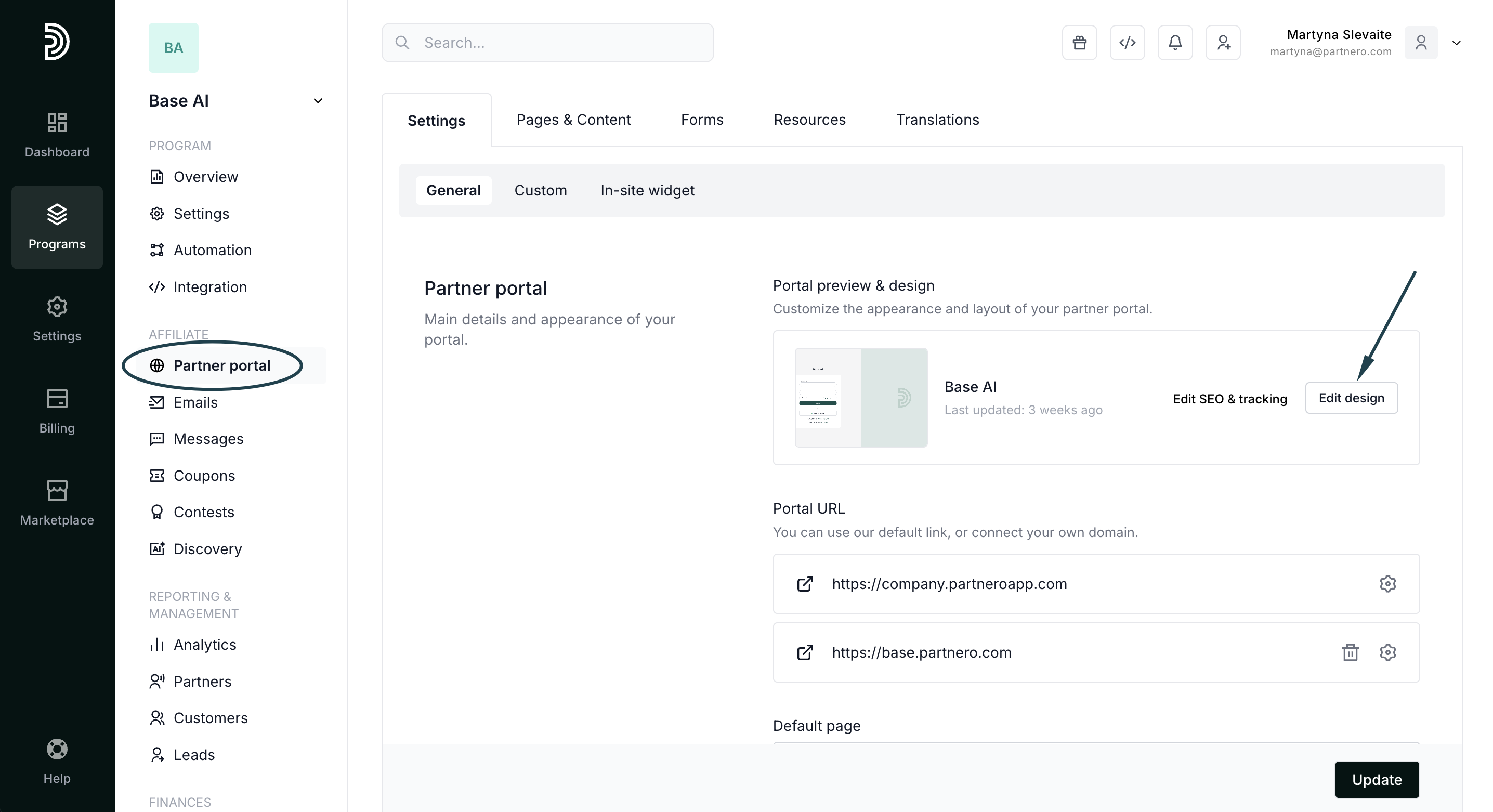
- Open your affiliate program and navigate to Partner portal. Click Edit design:
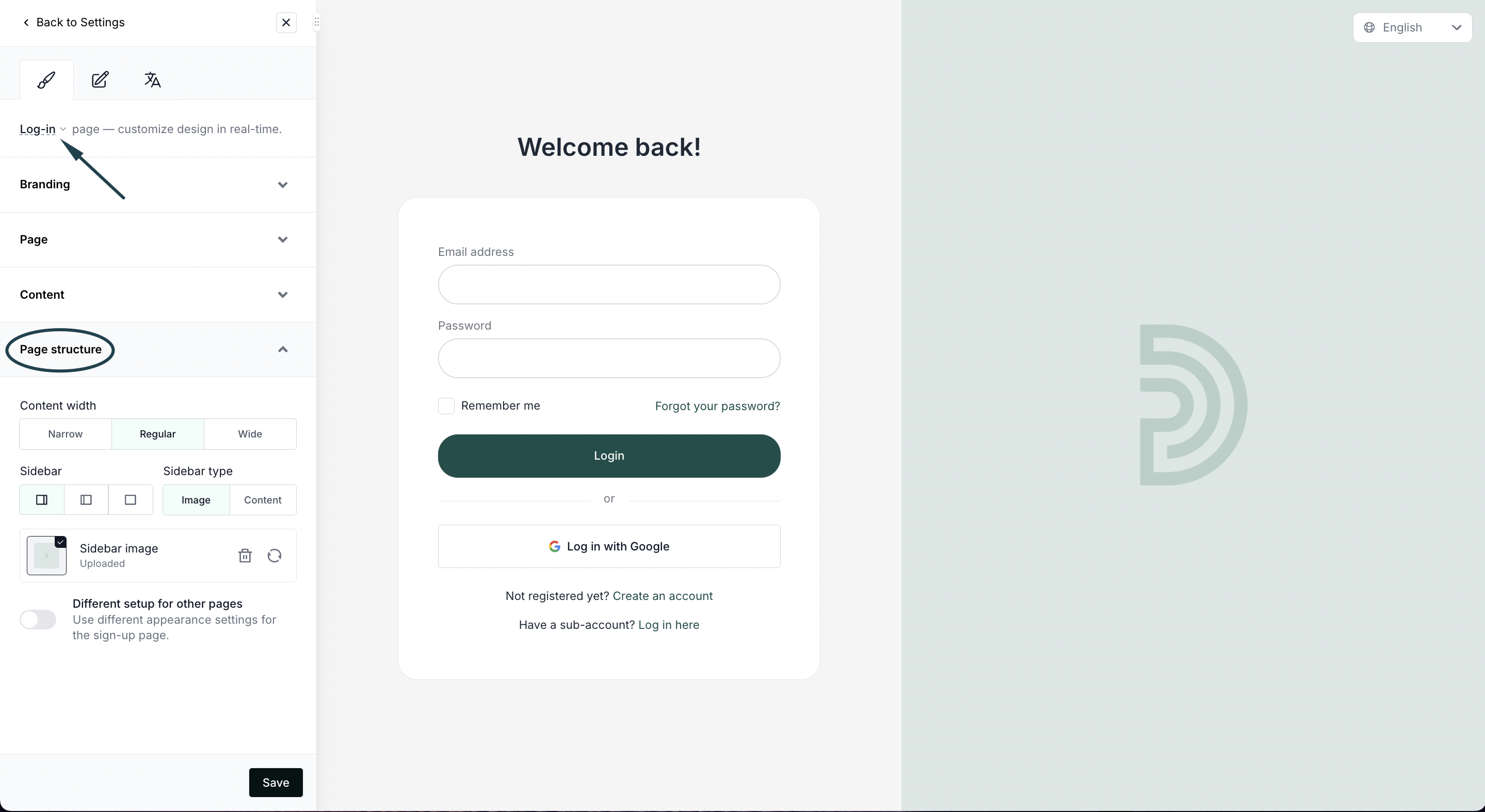
- In the Live designer, make sure you're editing the Log-in page. Expand the Page structure settings:
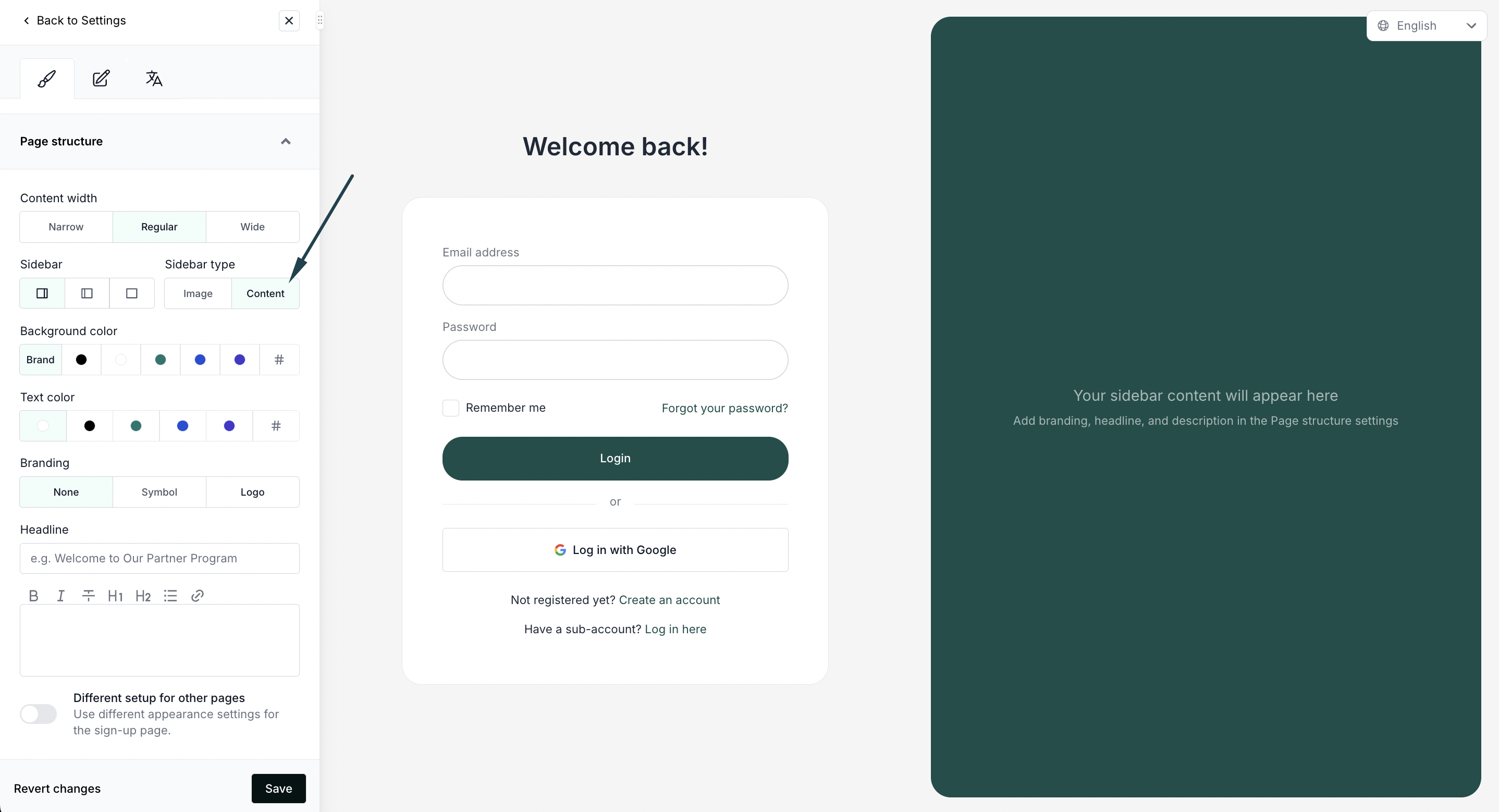
- In the Sidebar type, select Content:
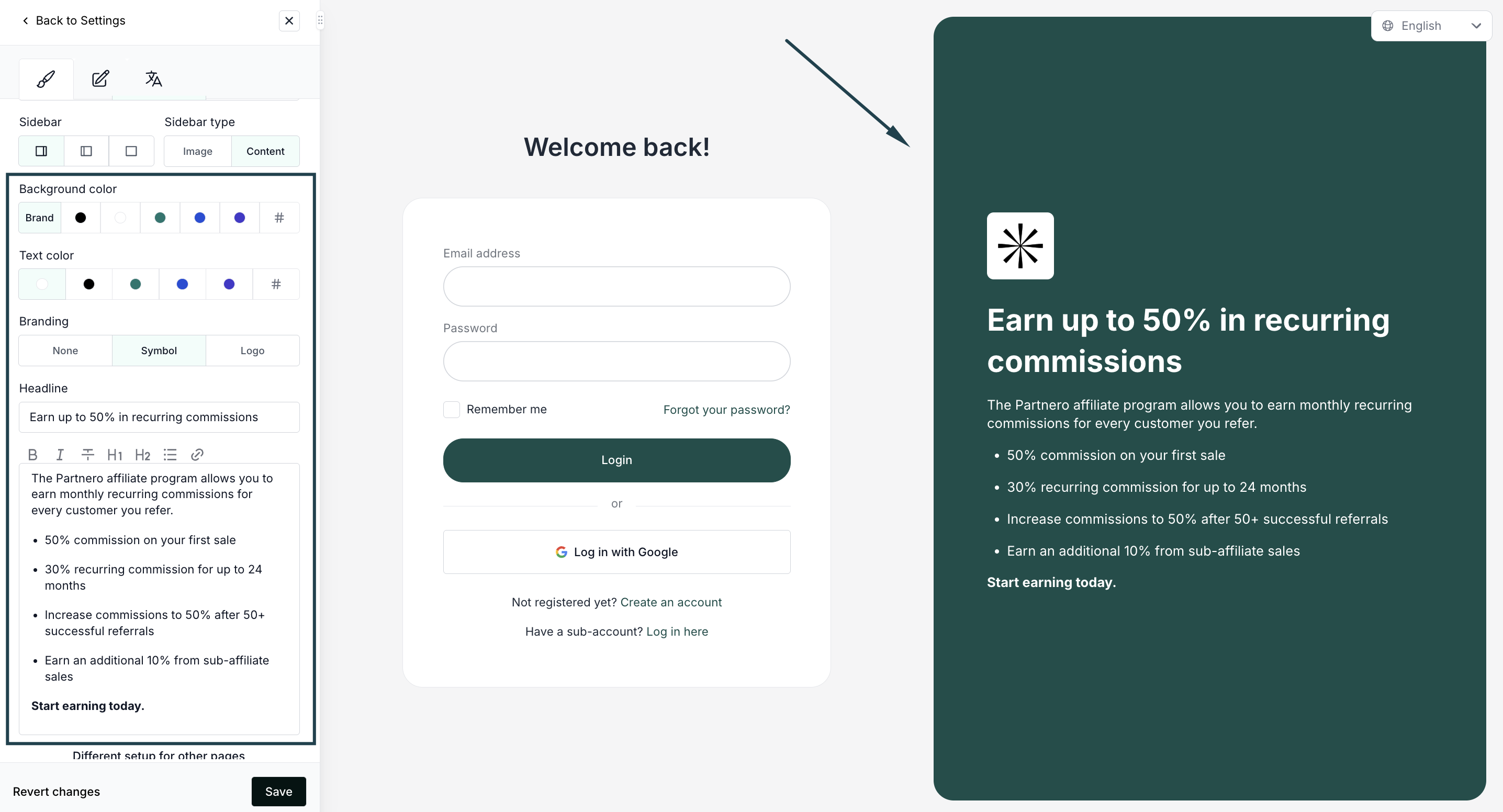
- Use the available settings to:
- Select background and text color
- Add branding (symbol or logo)
- Add copy
- Click Save to publish the changes.
