
AI assistant
Partnero includes a built-in AI assistant accessible directly from the dashboard. Open the conversation window from any program page to ask questions, get insights, and manage your program through natural conversation.
To access the Partnero AI assistant:
- In your Partnero dashboard, click on the icon in the top left:
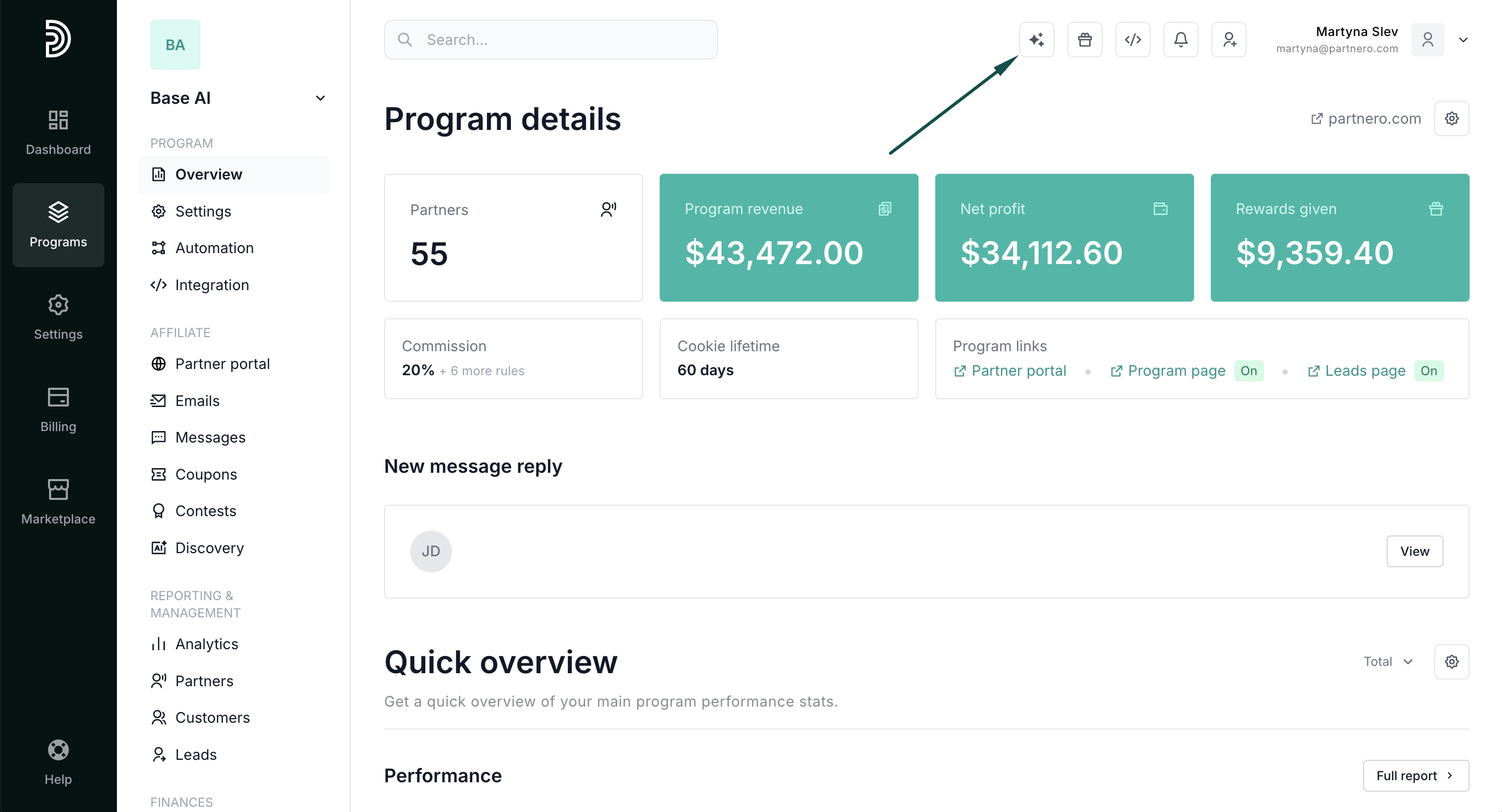
- This will open the conversation window:
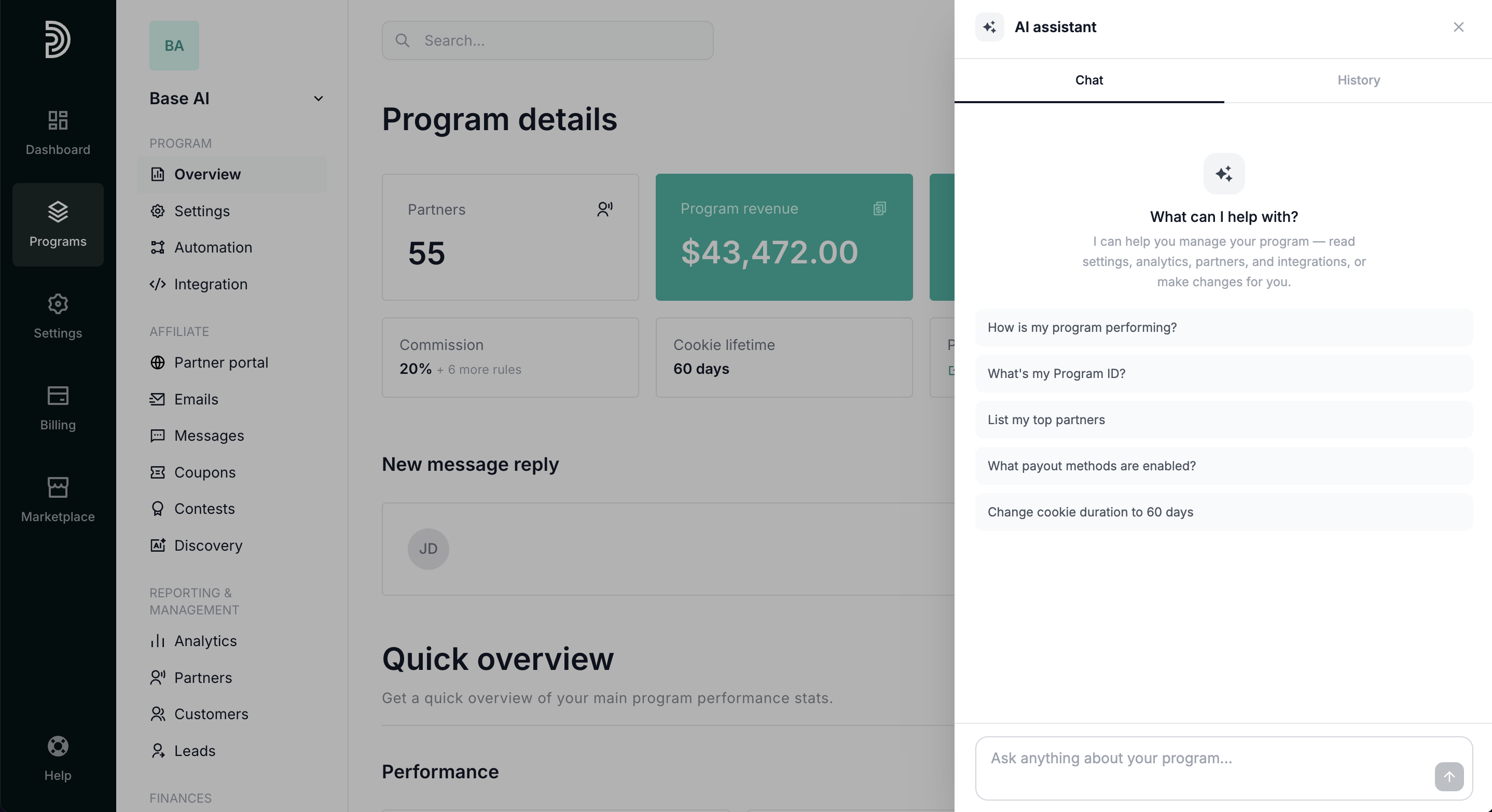
What the assistant can access
The assistant can read data across your program, including:
- Settings: program settings, portal settings, commission structure, fraud protection, and notifications
- Analytics: overview, conversion metrics, revenue insights, top partners, and recent transactions
- Program data: partners, customers, payouts, leads, coupons, messages, contests, and automations
- Emails & integrations: email settings and integration status with diagnostics
What the assistant can do
In addition to answering questions and surfacing insights, the assistant can take actions:
- Propose changes to program settings
- Create partners, customers, and transactions
- Approve pending partners
Every action requires an explicit Apply confirmation before anything is changed. Nothing is applied without your approval.
Conversation history
Previous conversations are saved and accessible from the History tab in the conversation window: