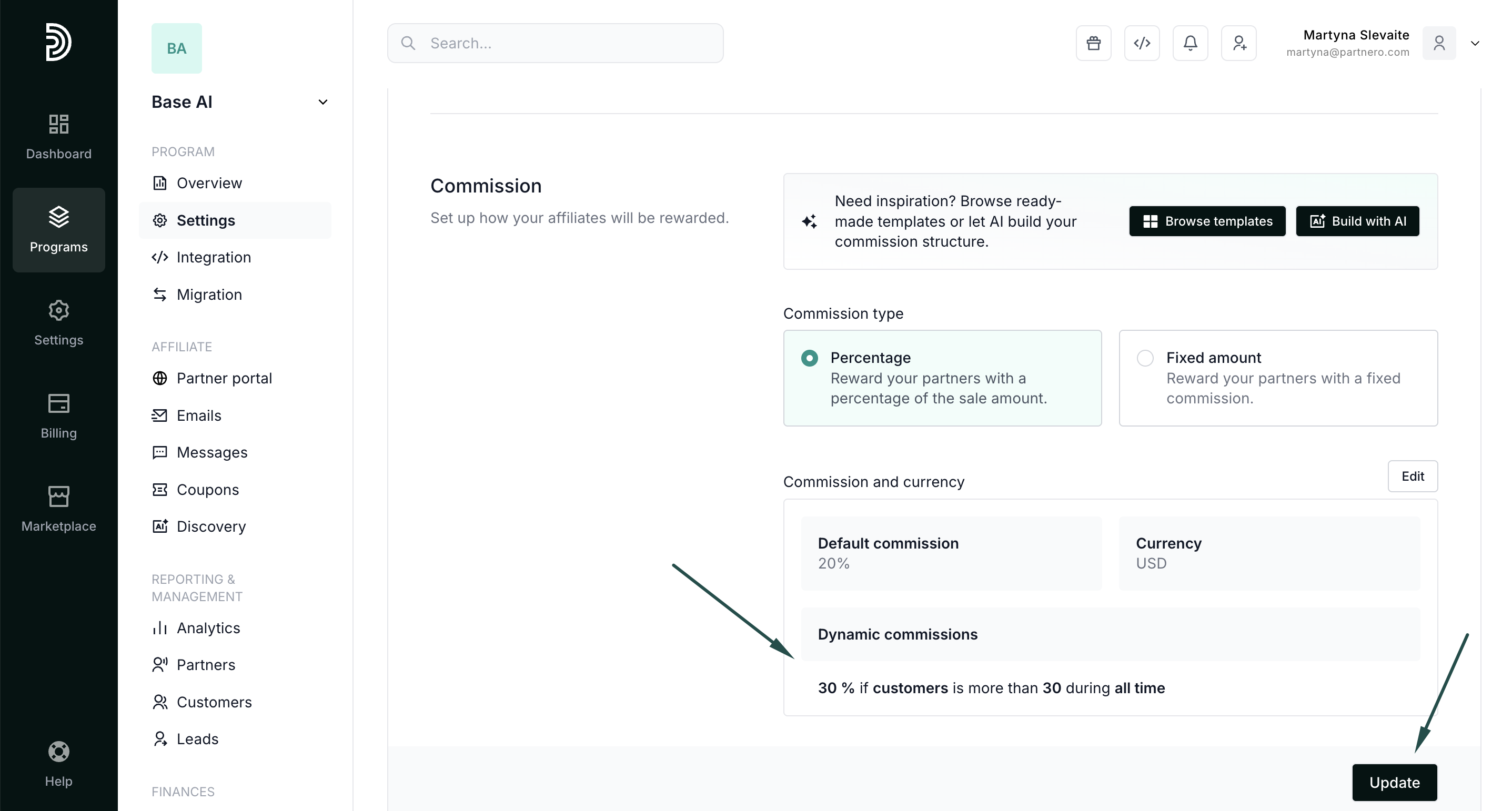
Use AI assistant to update existing commission settings
You can use the Partnero AI assistant to edit commission and rewards for an existing affiliate program. Describe your goals, and it will analyze them and automatically configure commission settings for you.
To use the AI assistant:
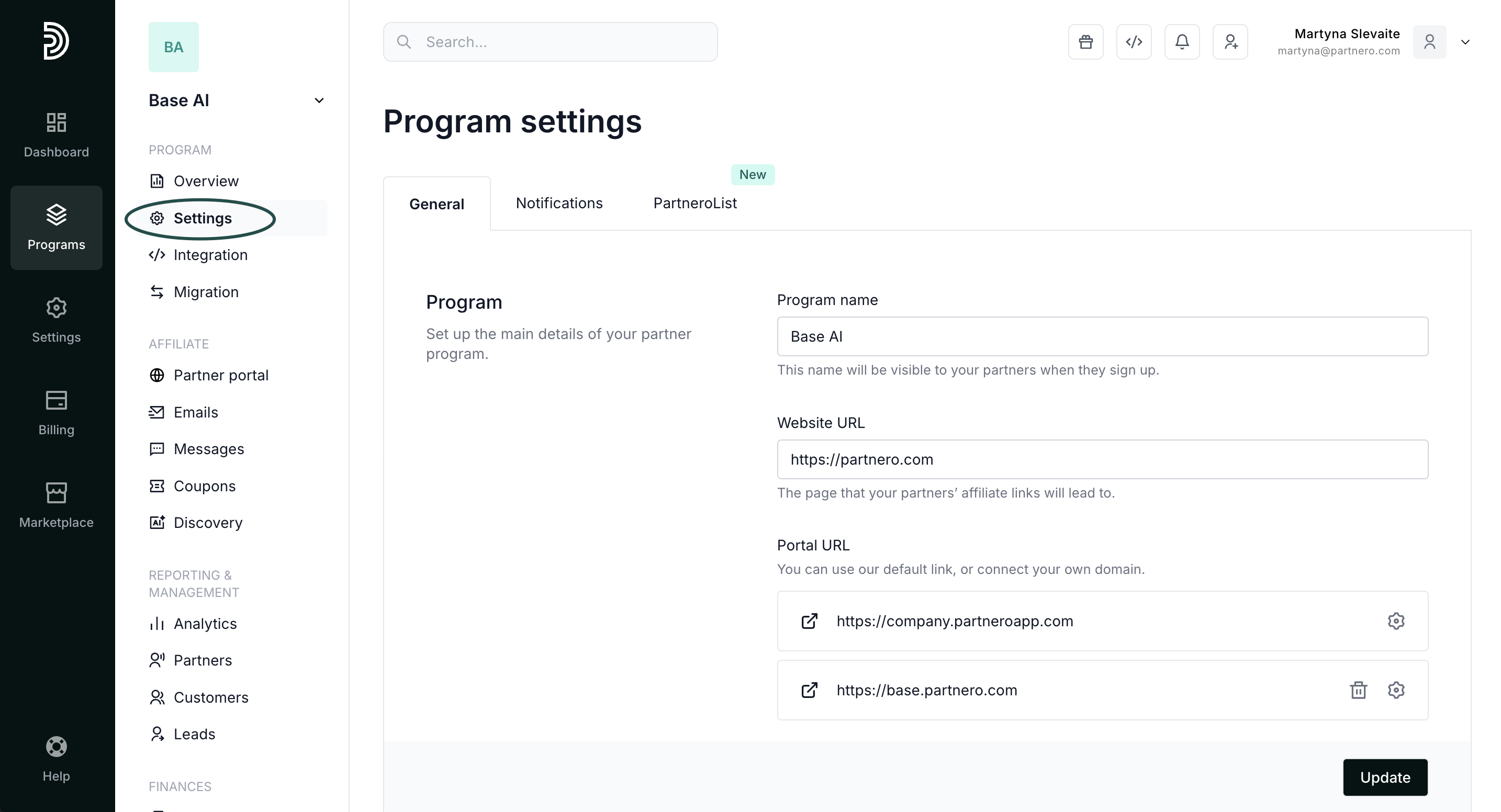
- On your program, go to Settings under Affiliate:
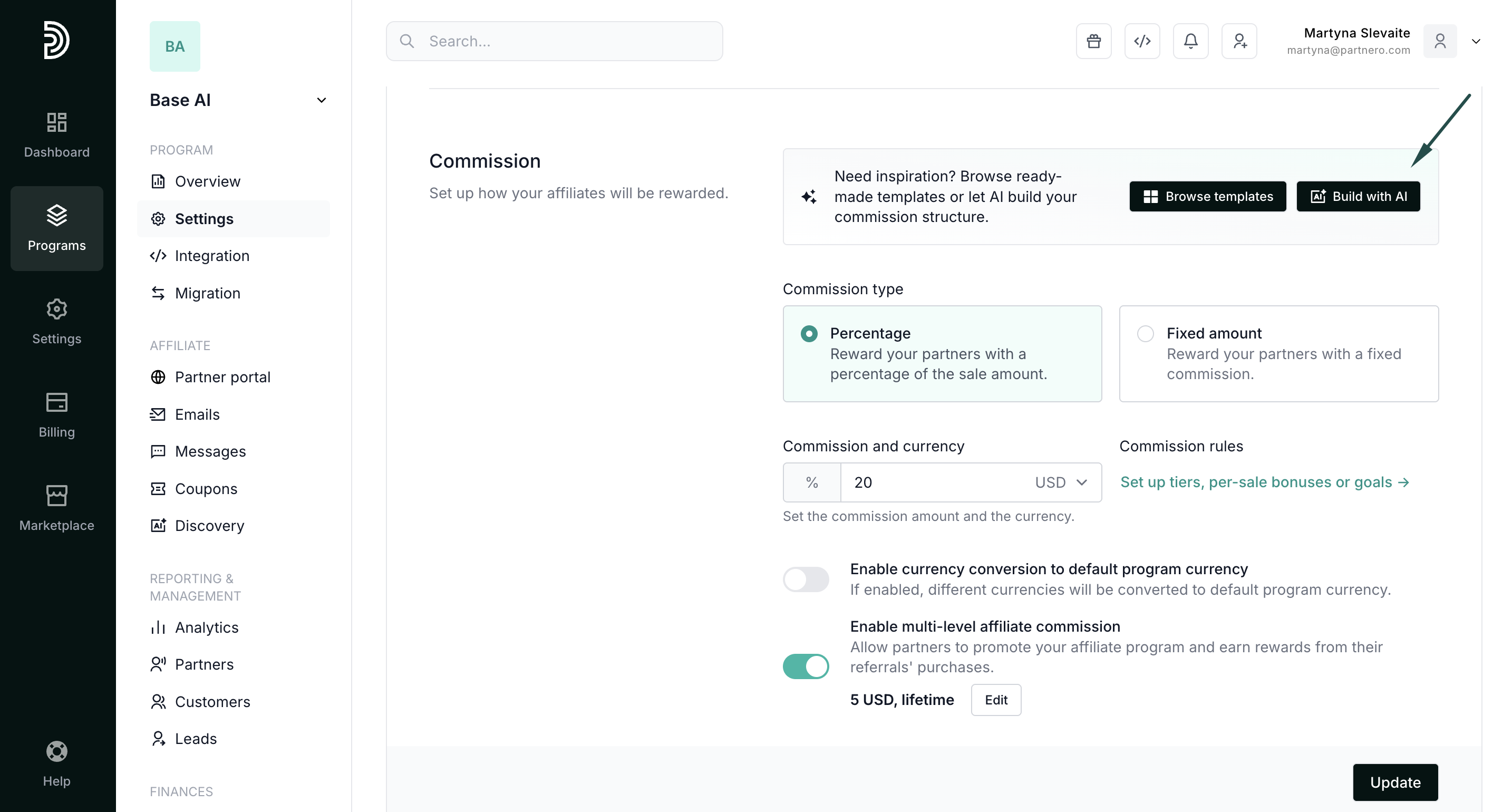
- Scroll down to Commission and click Build with AI:
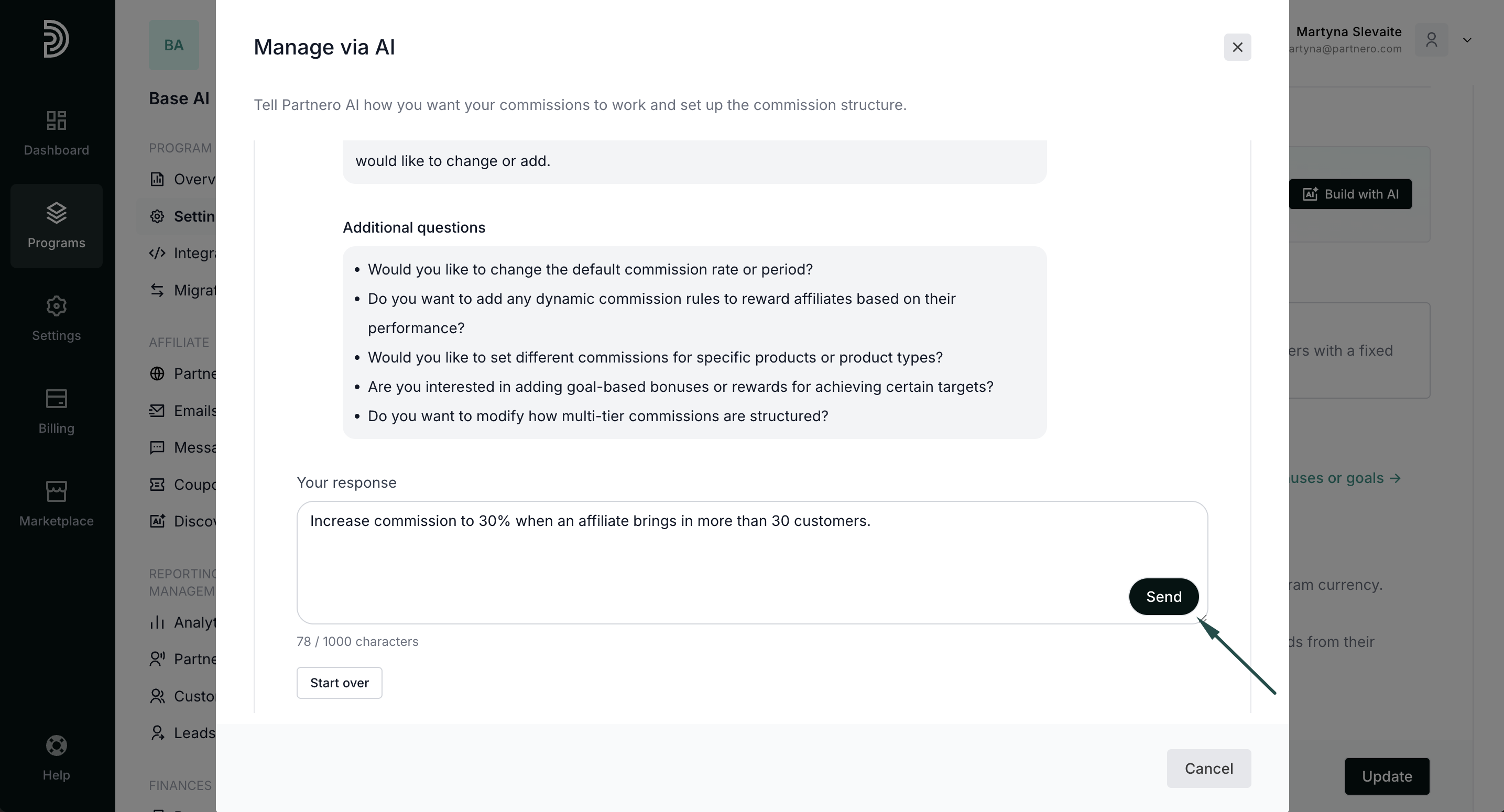
- AI will analyze your existing structure and offer suggestions. Describe what you'd like to implement and hit Send:
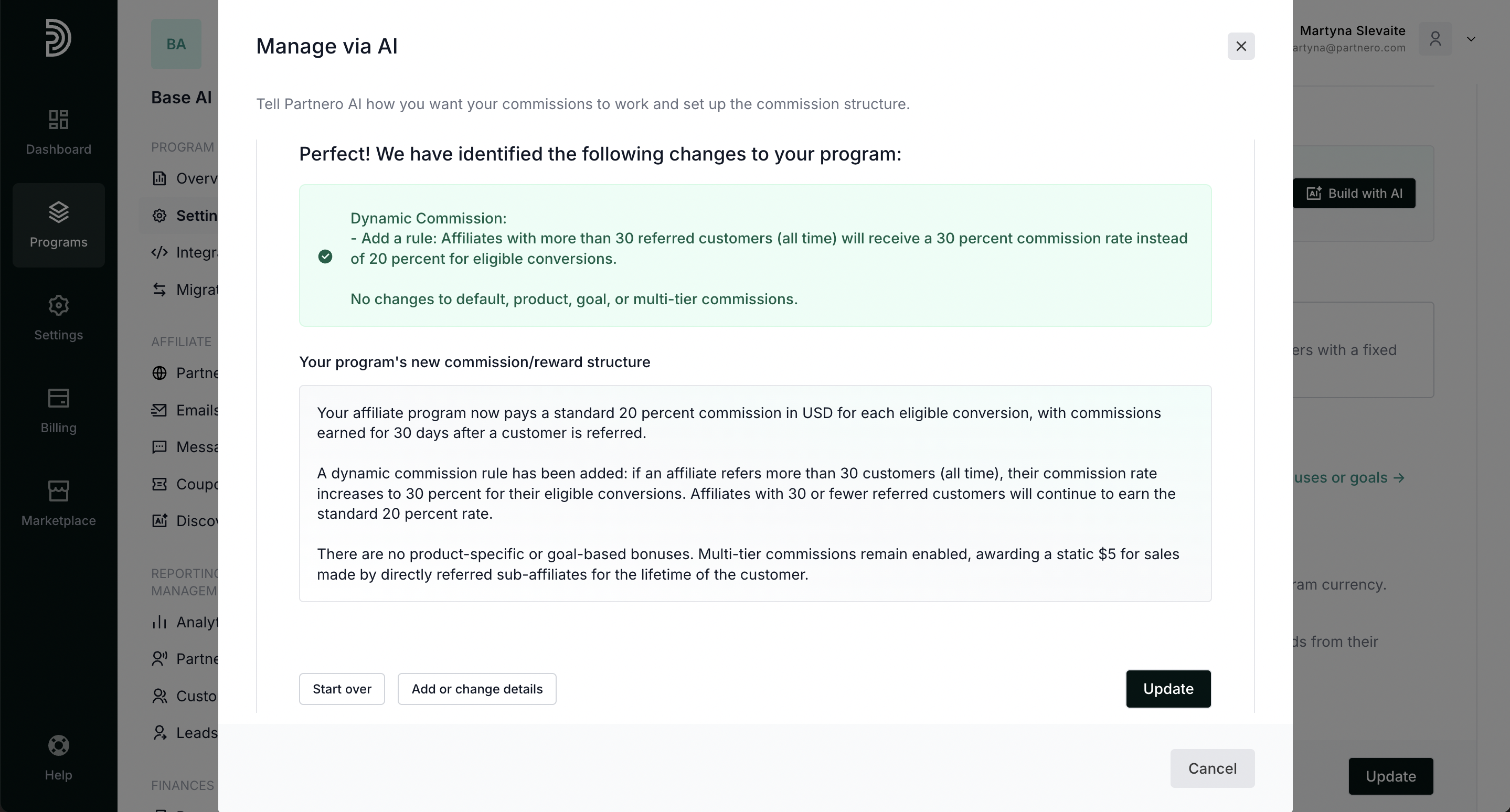
- Review the suggestion. At this step, you can add more details or start over. If you're happy with the changes, click Update:
- Click Update to publish the changes.