
Purchase additional user seats for your account
Depending on which Partnero plan you have, your account will have a set number of available user seats. If you'd like to invite more people to your team than your plan allows, you can purchase additional user seats.
To purchase additional user seats:
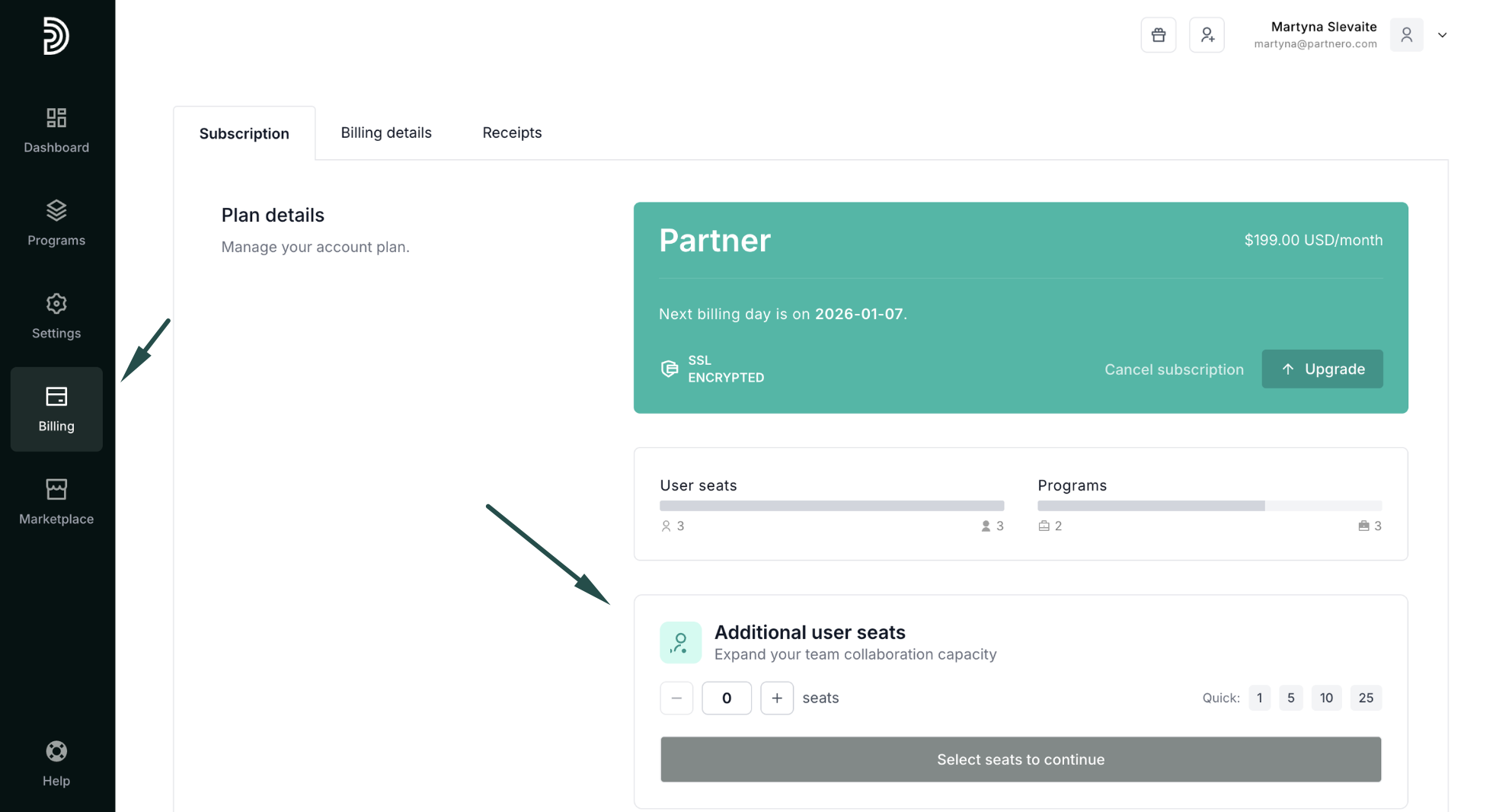
- On your account, go to Billing in the left-side menu, where you'll find the option to add more user seats:
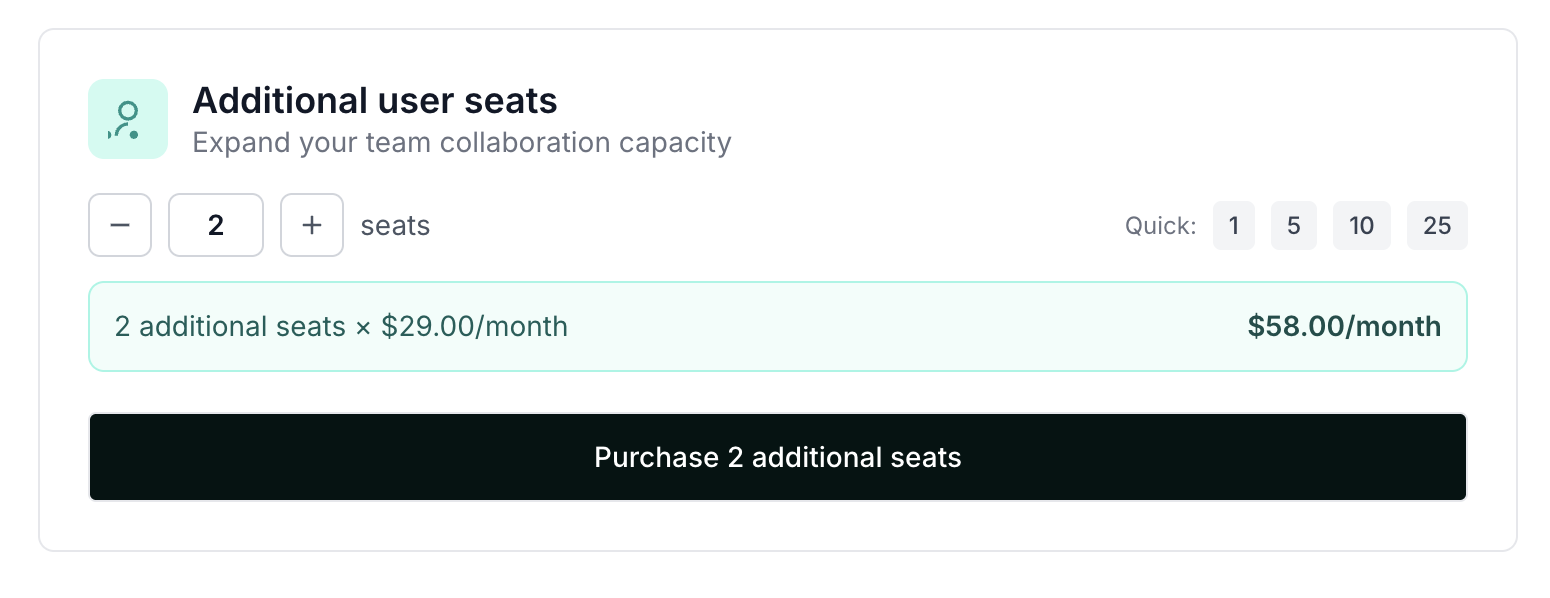
- Select the number of seats you'd like to add and click Purchase:
Click here to learn how to invite team members to your Partnero account.