
Show multi-level signup link in partner dashboard
By default, affiliates only see their standard referral link in the partner portal dashboard. If you have multi-level commissions set up, you can also display a dedicated signup link that affiliates can share to recruit other affiliates into the program.
Note: This option is only available if multi-level affiliate commission is enabled and configured for your program. Learn how to set up multi-level commissions →
When enabled, the signup link appears alongside the default referral link in the partner portal dashboard, making it easy for affiliates to grow your affiliate network.
To enable it:
- Go to Settings under Program, and scroll down to Commission.
- Toggle to Show multi-level signup link in partner portal:
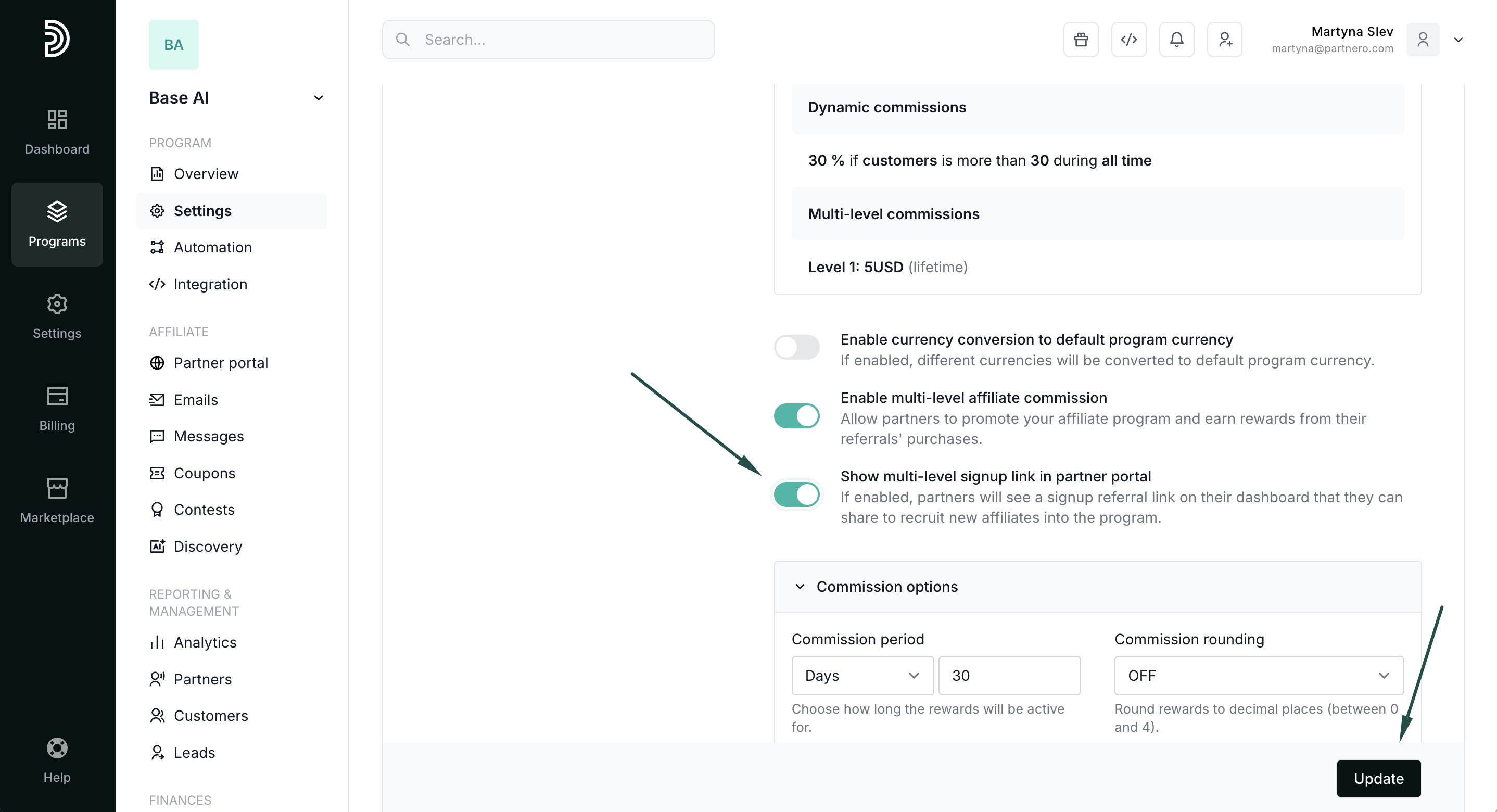
- Click Update.
Here's how it looks on the partner portal: