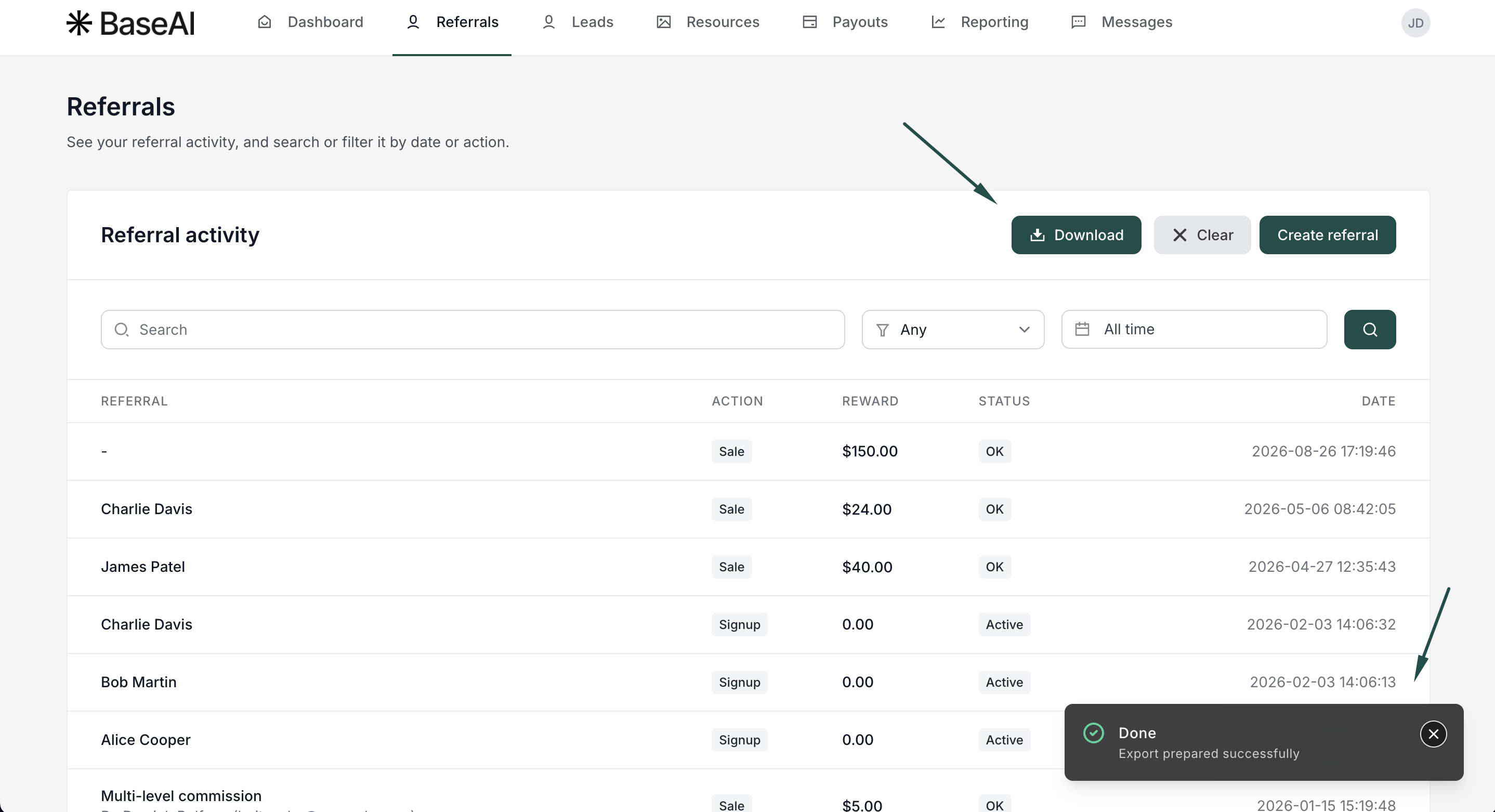
Export reward activity from your partner portal
This article is for affiliates. If you're a program owner looking to export data from your dashboard, click here.
Need your referral data outside the portal, for reporting, taxes, or your own records? You can export your reward activity (sales and signups) directly from your partner portal, filtered by date, activity type, or search.
Where to find it
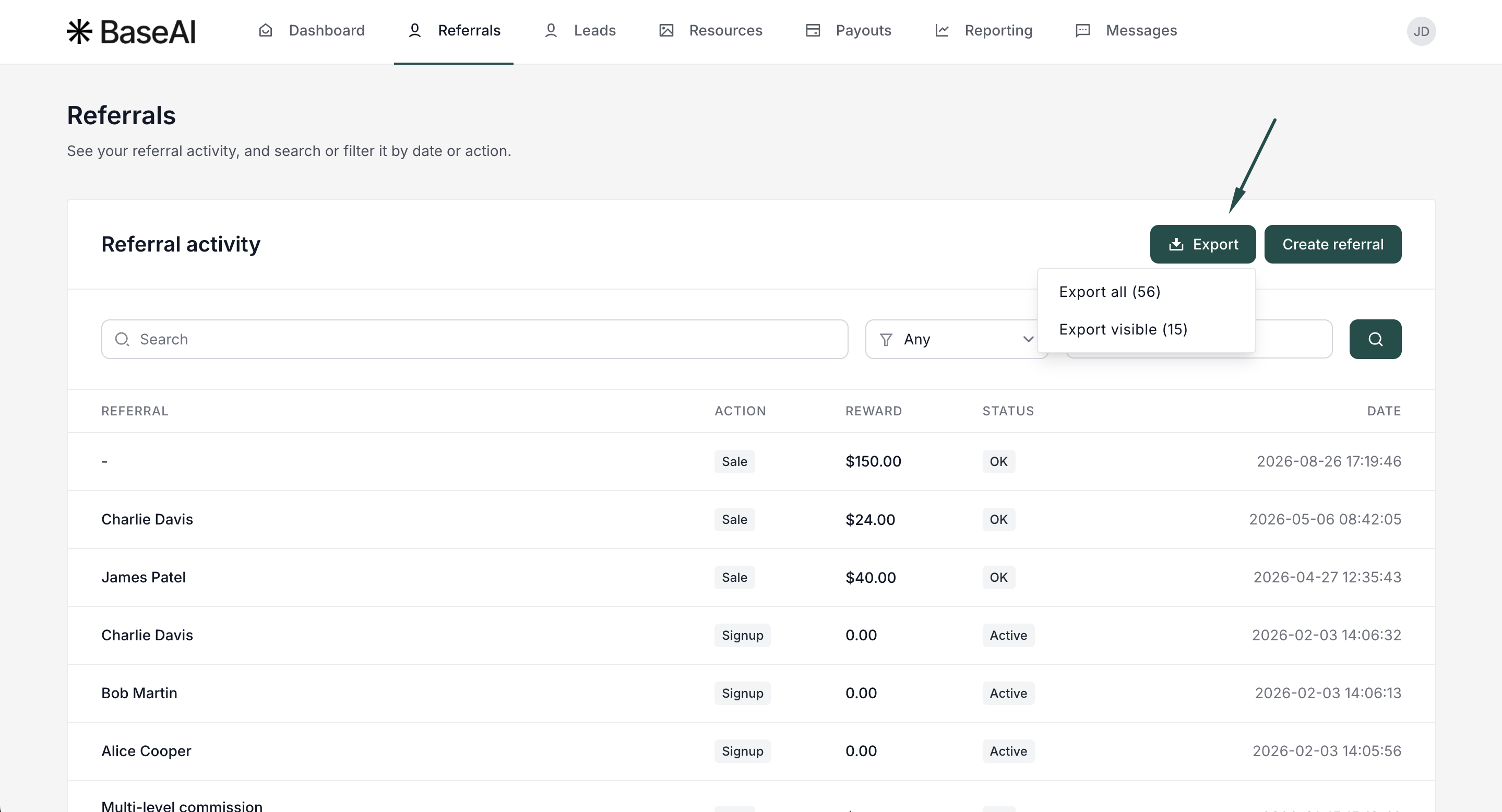
Go to the Referrals section in your partner portal. The exact location may vary depending on how the program owner has designed the portal.
How to filter and export
To customize and export reward activity:
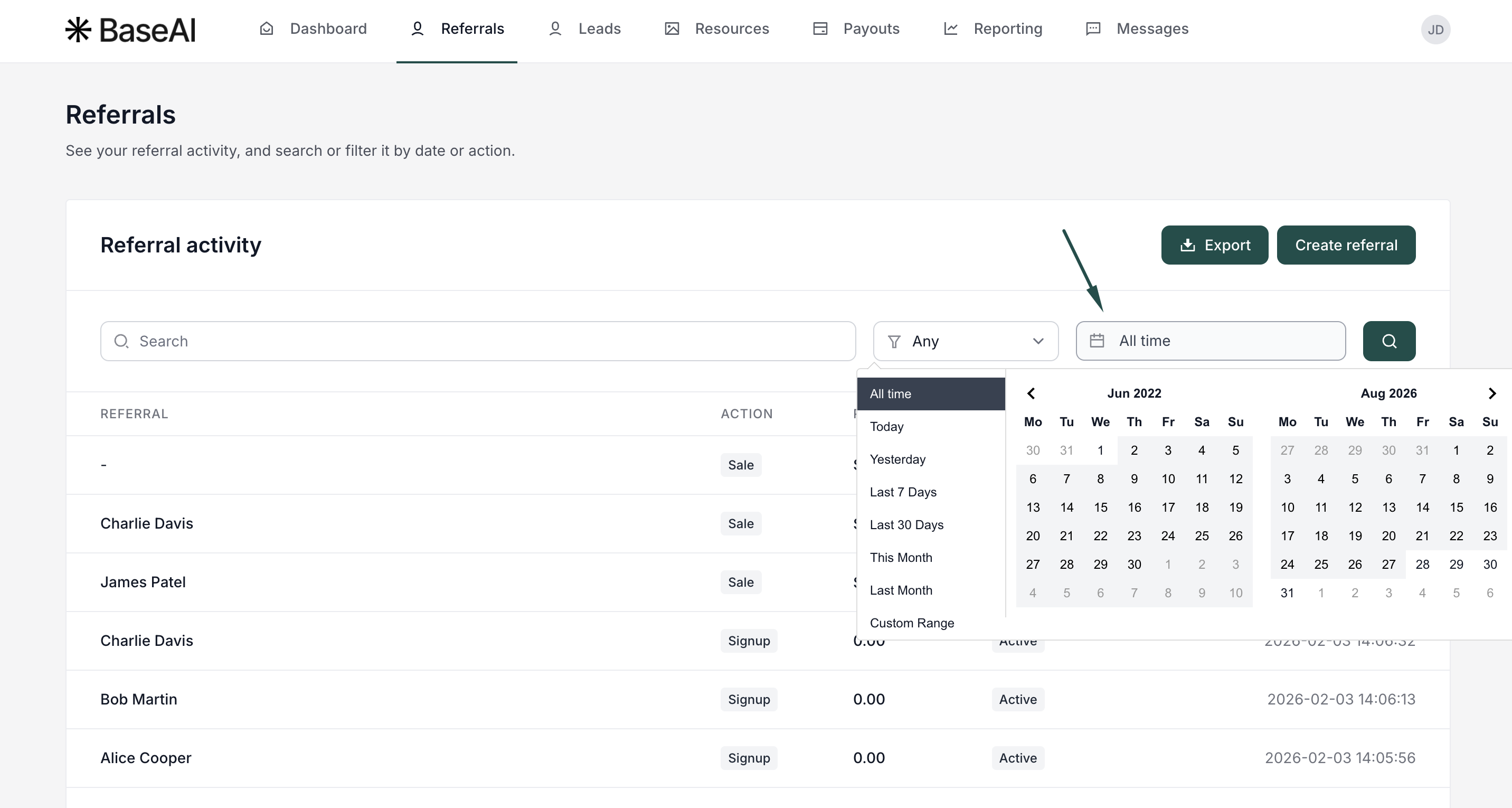
- Filter by date range to limit results to a specific period, if needed.
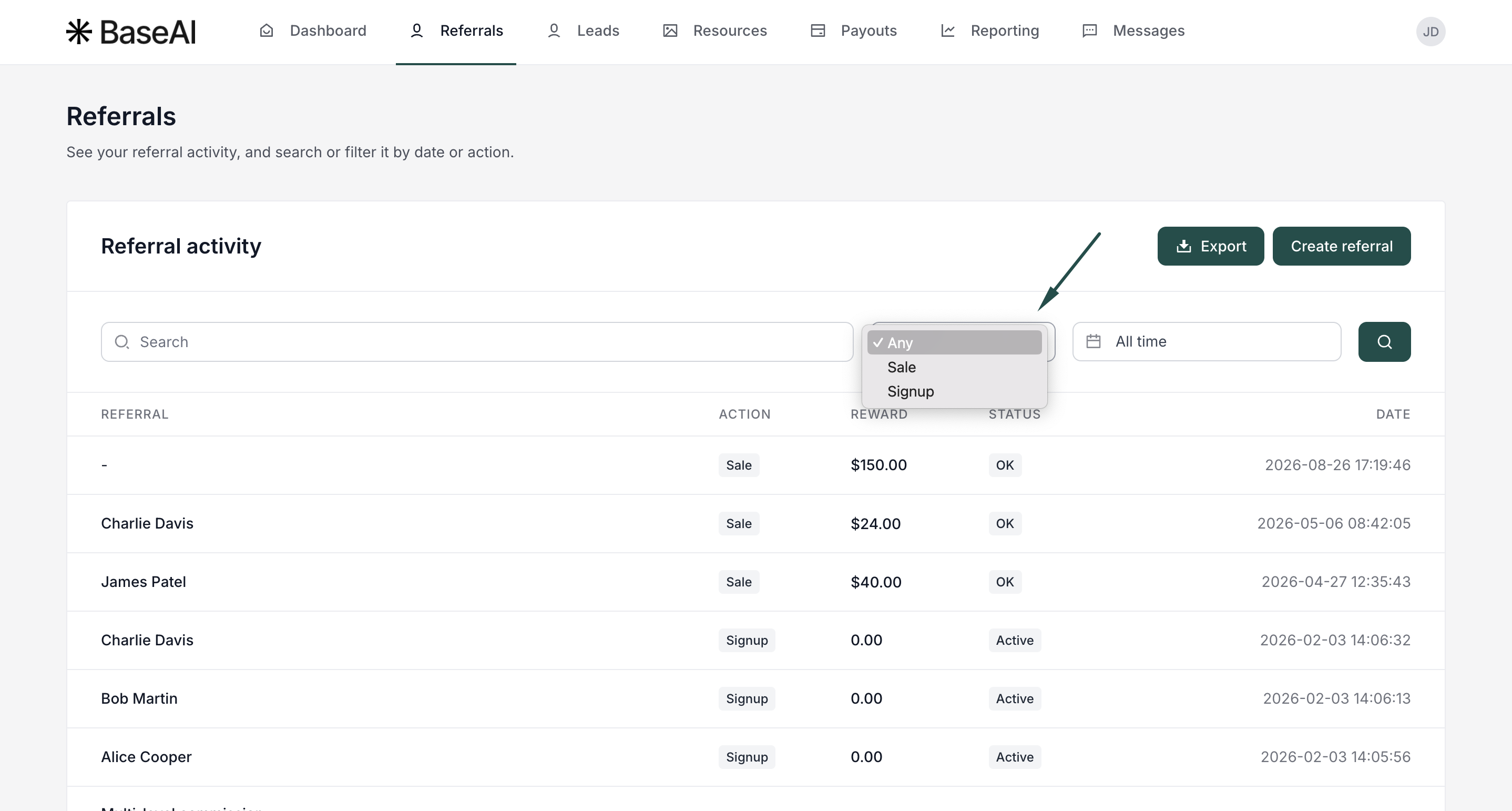
- Filter by activity type, such as Sale or Signup, if needed.
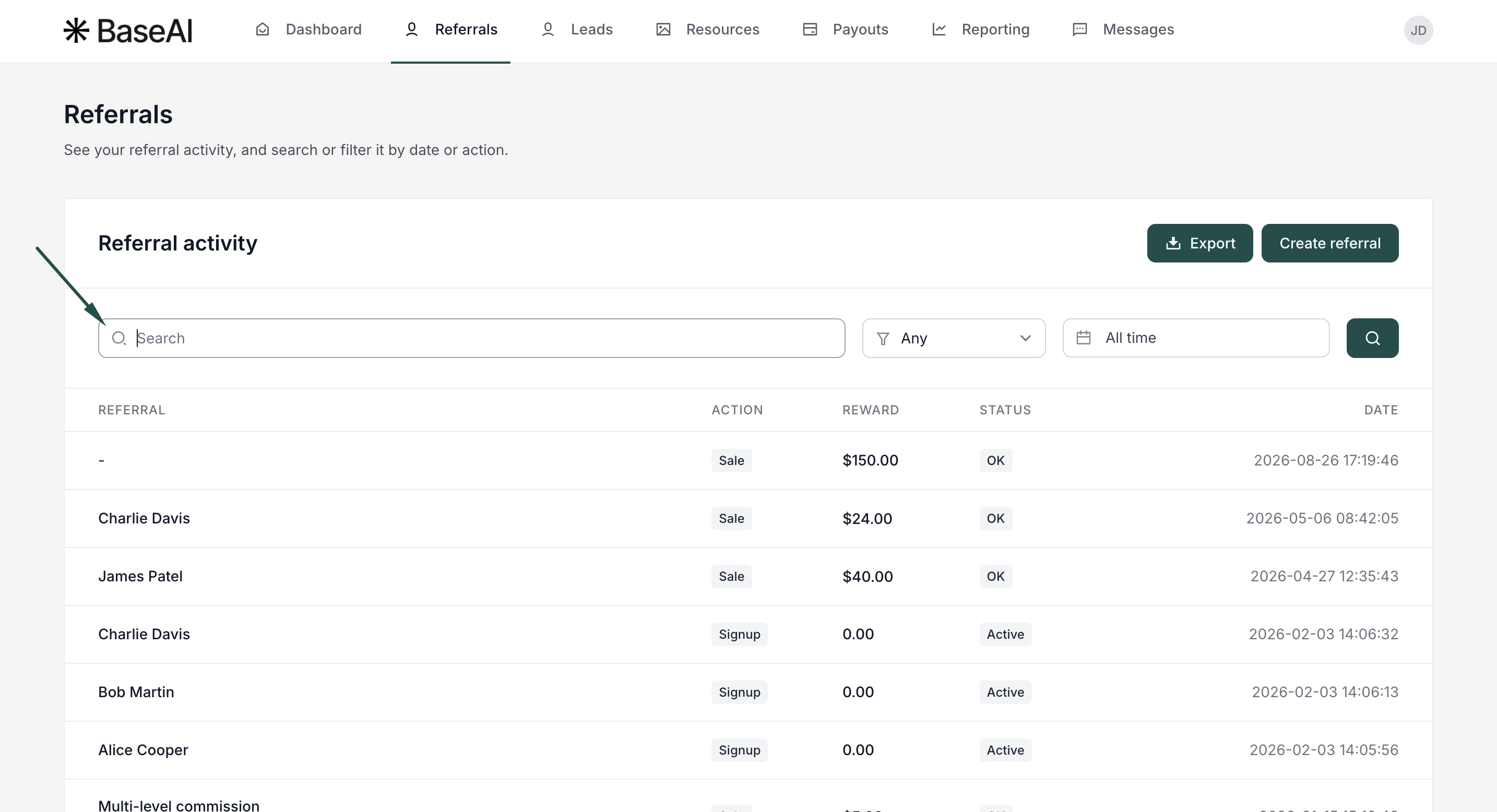
- Search for specific rewards, customers, or other details, if needed.
- Click Export and choose what to include:
- All: every reward that matches your current filters, including rows not currently shown on the page.
- Visible: only the rewards currently displayed on the page.
- You'll see a notification once your export is ready. Click Download to get the file: