
Create a Refer-a-Friend program
What is a Refer-a-Friend program?
Refer-a-Friend is an incentive program that rewards customers who bring in new customers to your product or service. Existing customers are given bonuses for successful referrals, also known as referral rewards. This is often a discount, coupon, or other incentive. Most of the time, referrals are offered an incentive as well.
How to create a Refer-a-Friend program
- Log in to your Partnero account.
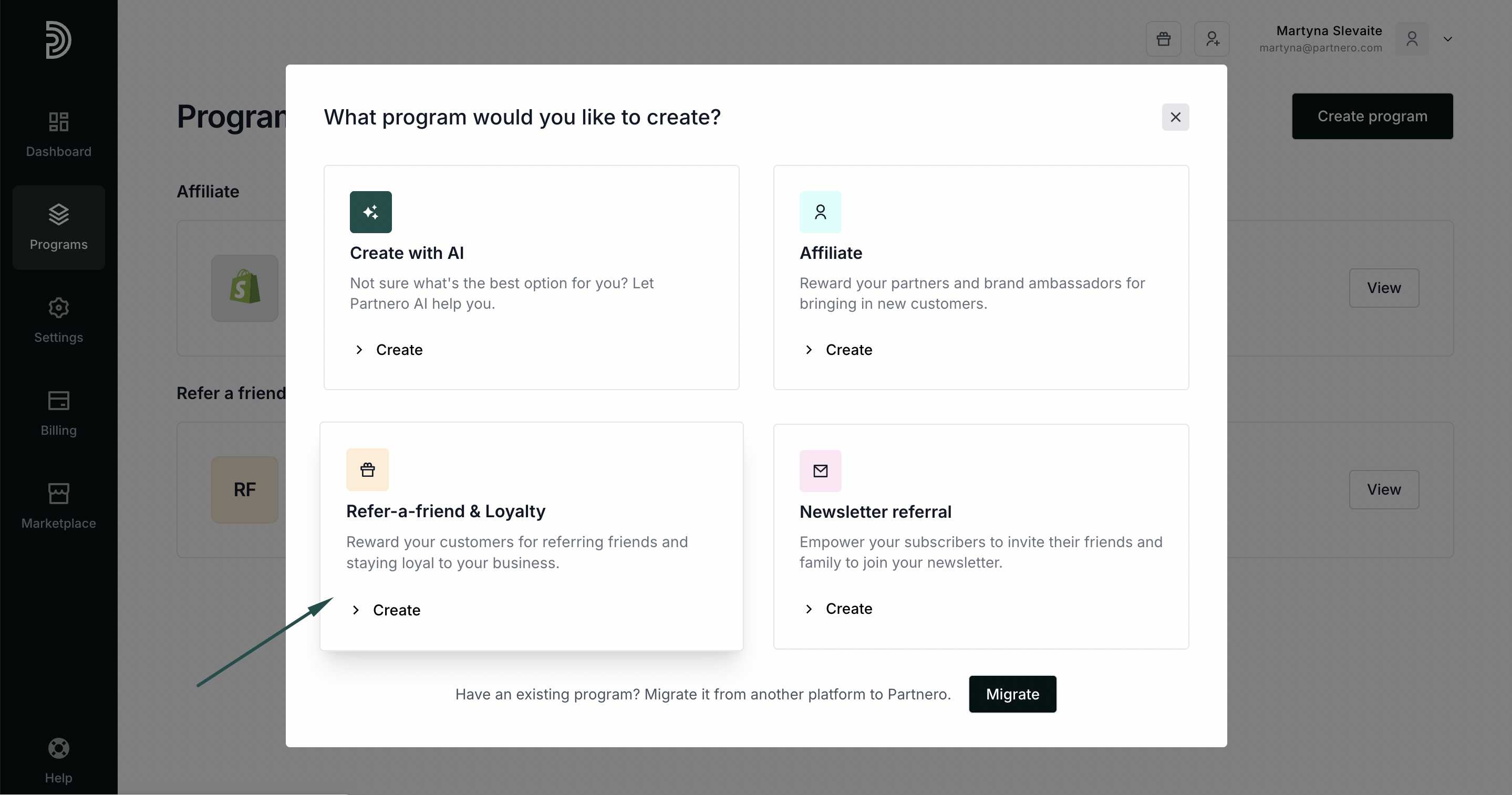
- Under Programs, click Create program.
- When prompted, choose the Refer-a-Friend & Loyalty program type:
- Enter the program name and your website URL:
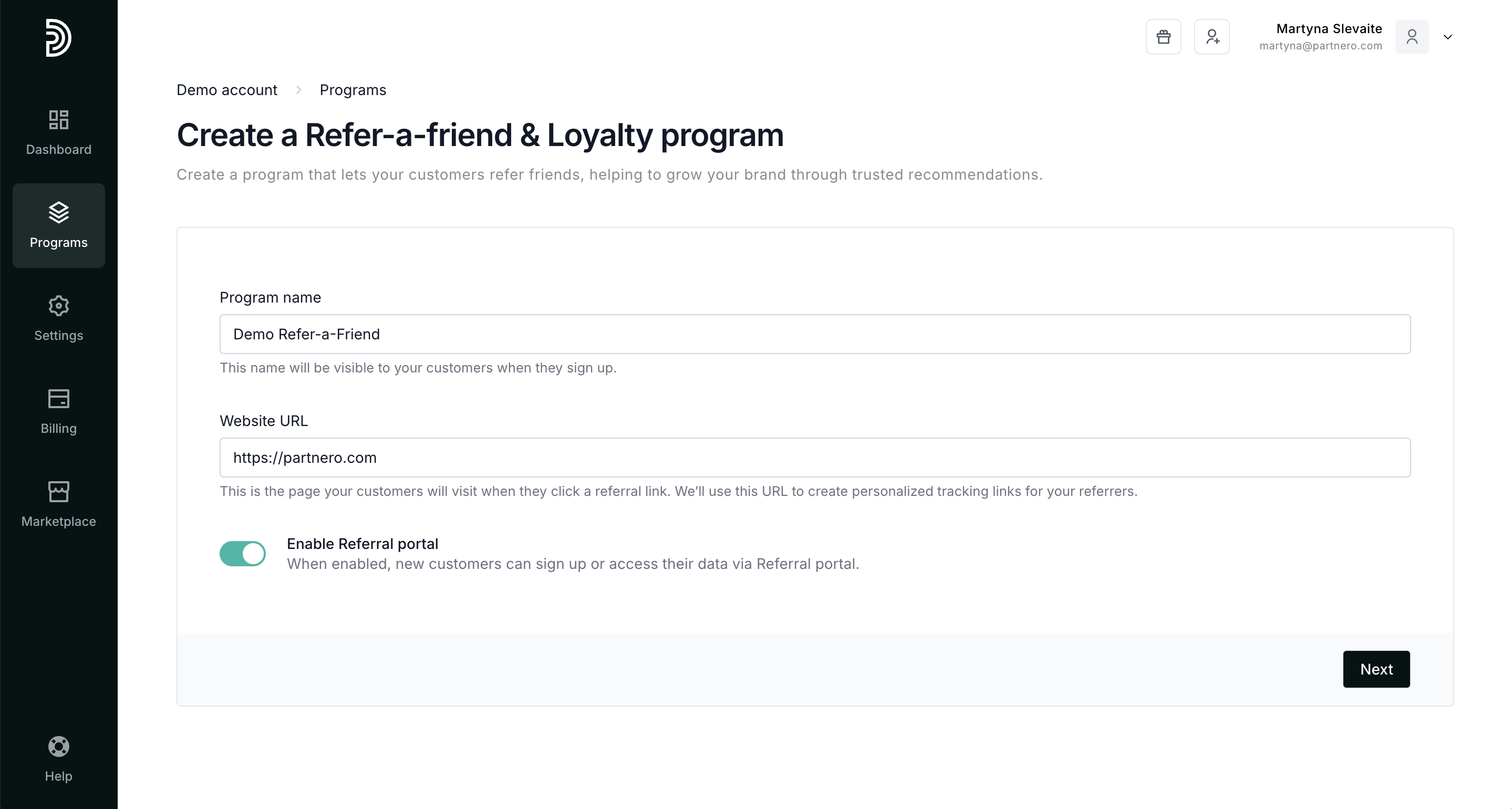
- Click Next.
- Select one of the existing templates:
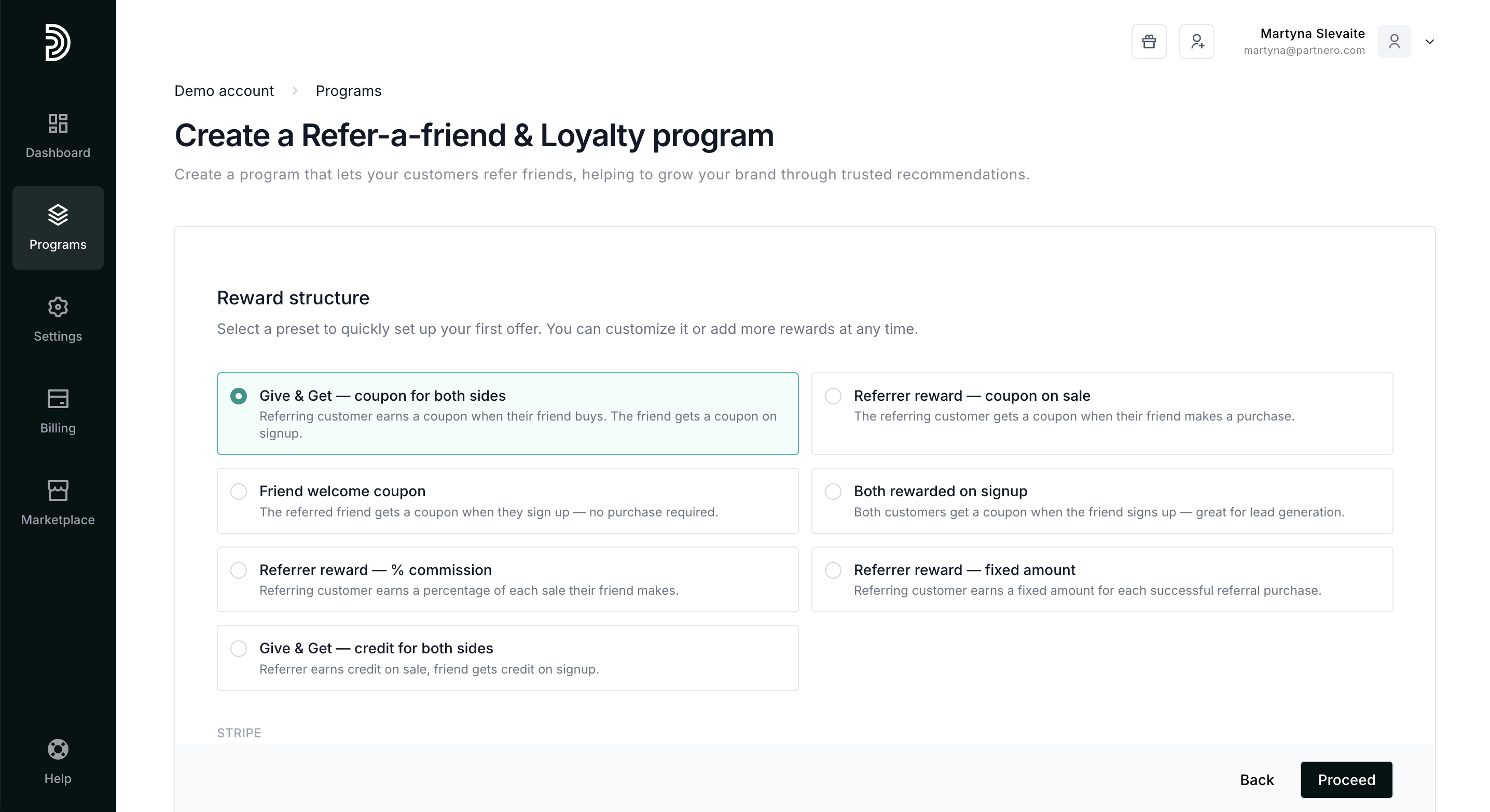 Alternatively, you can skip this step to configure rewards later: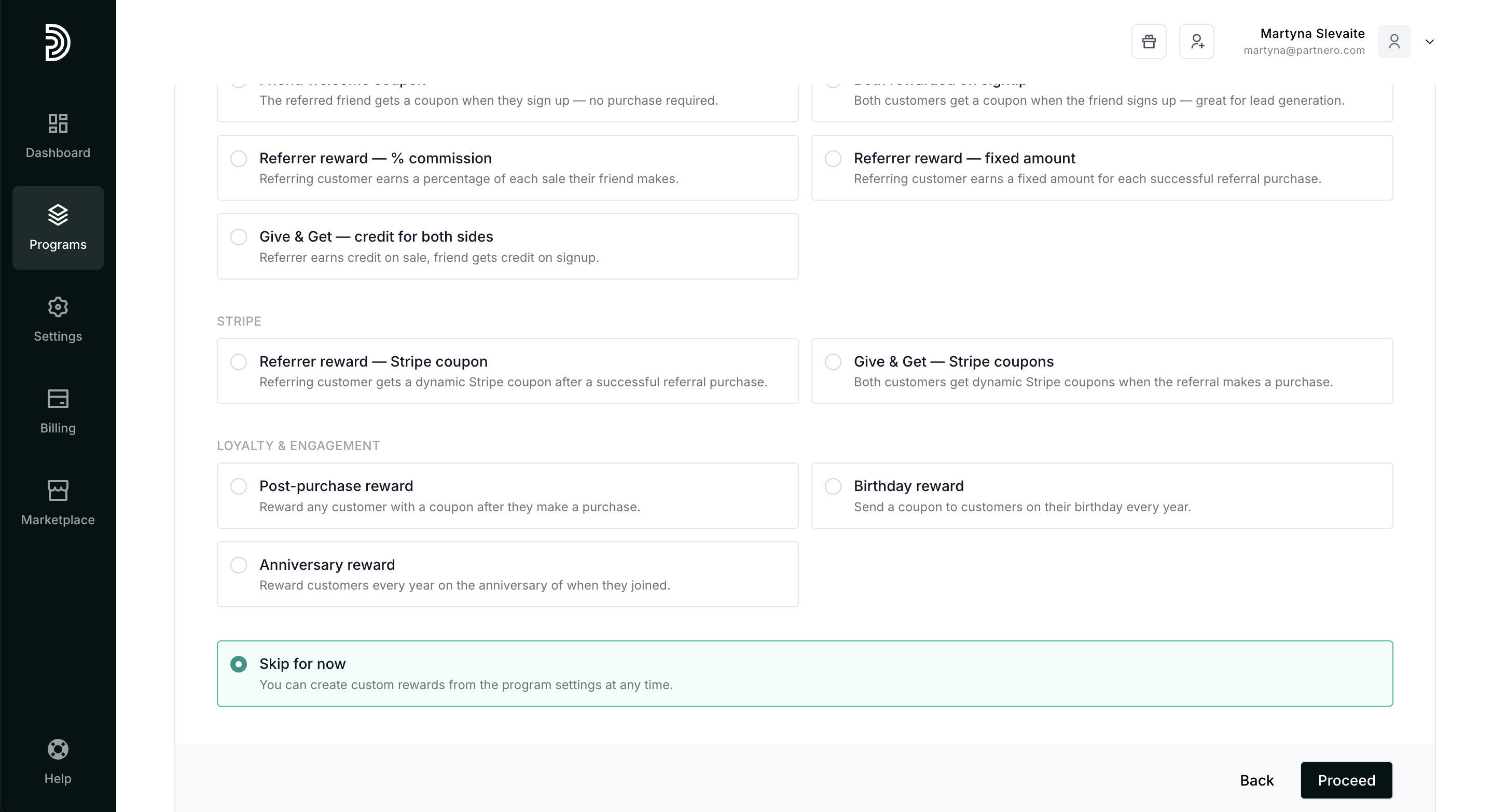
- Click Proceed.
- You'll find integration instructions and the option to skip the integration and land on the program overview page.
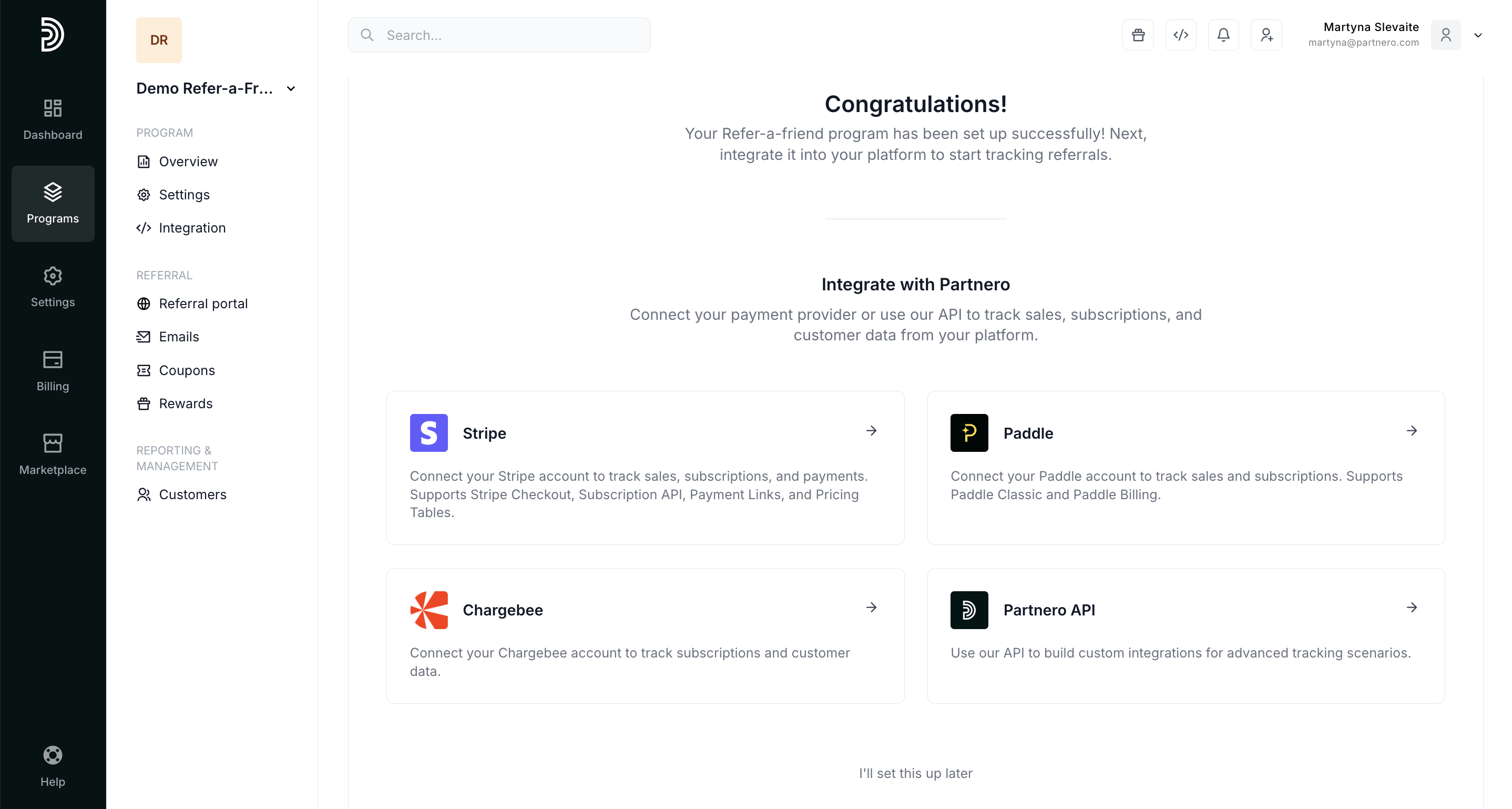
 Alternatively, you can skip this step to configure rewards later:
Program settings
To configure your program, go to Settings under Program. Here, you'll find the following sections:
Program
Here, you can change the program name or your website URL: 
Tracking
Select how you prefer your referral links to look and set the attribution window and model:  Referral link suture can be set to Query or Link, which changes the format of the referral link:
Additionally, you can update the parameter name, e.g., change from yourdomain.com/ref/xxxyyy to yourdomain.com/a/xxxyyy.
The attribution window defines how soon after clicking a referral link a customer has to sign up to be associated with the referring affiliate partner. You can select one of the available options or enter your number in the Custom field:
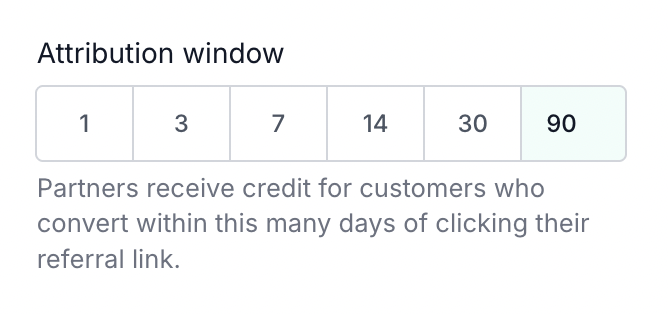
The attribution model is important if a referred customer clicked on two or more different referral links. The model determines whether the commission is given to the first or most recent affiliate:
- Last click: the commission is assigned to the affiliate whose referral link was clicked most recently before the conversion.
- First click: the commission is assigned to the affiliate whose referral link was clicked first, even if the customer interacted with other affiliate links later.
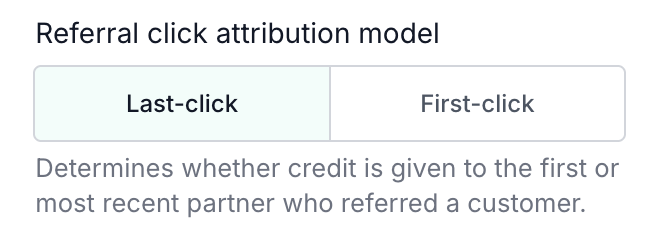 Make sure to click Update after you make any changes!
Transaction & protection settings
Here, you can customize permissions for referral transactions.

- Allow self-referring sales: if enabled, referring customers using the same email address as the referral will be allowed to make sales. If disabled, such sales will be marked as fraudulent, indicating self-referral.
- Prevent multiple transactions: if enabled, customers will be restricted from making multiple transactions within a specified period.
- Reject referrals from paid ads: if enabled, signups originating from paid advertisements will be ignored.
Other
Here, you can enable the Referral portal and notification emails.  Read more about the Referral portal here.
Delete, Reset, or Duplicate the program
Lastly, you have the option to delete, reset or duplicate your program: 
Next, read how to create rewards or integrate your Refer-a-Friend program.