
Lead submission process
With Partnero lead submission pages, affiliates and other partners can submit potential leads and earn rewards. You can find more details on creating a lead submission page for your affiliate program here.
How partners submit leads
The lead submission page is available without logging in to the partner portal, so anyone can submit leads. Existing partners can choose to log in to the partner portal. New potential partners can either submit the lead by providing their email address and name, or they can choose to sign up for the affiliate program first. 
Non-partner submission
For example, John Smith submits a new lead (Emily Adams). John has not joined the affiliate program and enters their name and email address on the lead submission page: 
Once the lead is submitted, we will automatically create a new partner with those details in your program. This is required for tracking purposes, as well as in case the lead converts and the person earns a reward:
Partner submission
Existing affiliate partners have a few options:
- Enter their email address and submit a lead without logging in. The lead will be associated with the affiliate account if the email address matches the one they use to log in to the partner portal.
- Log in on the leads page before submitting the lead.
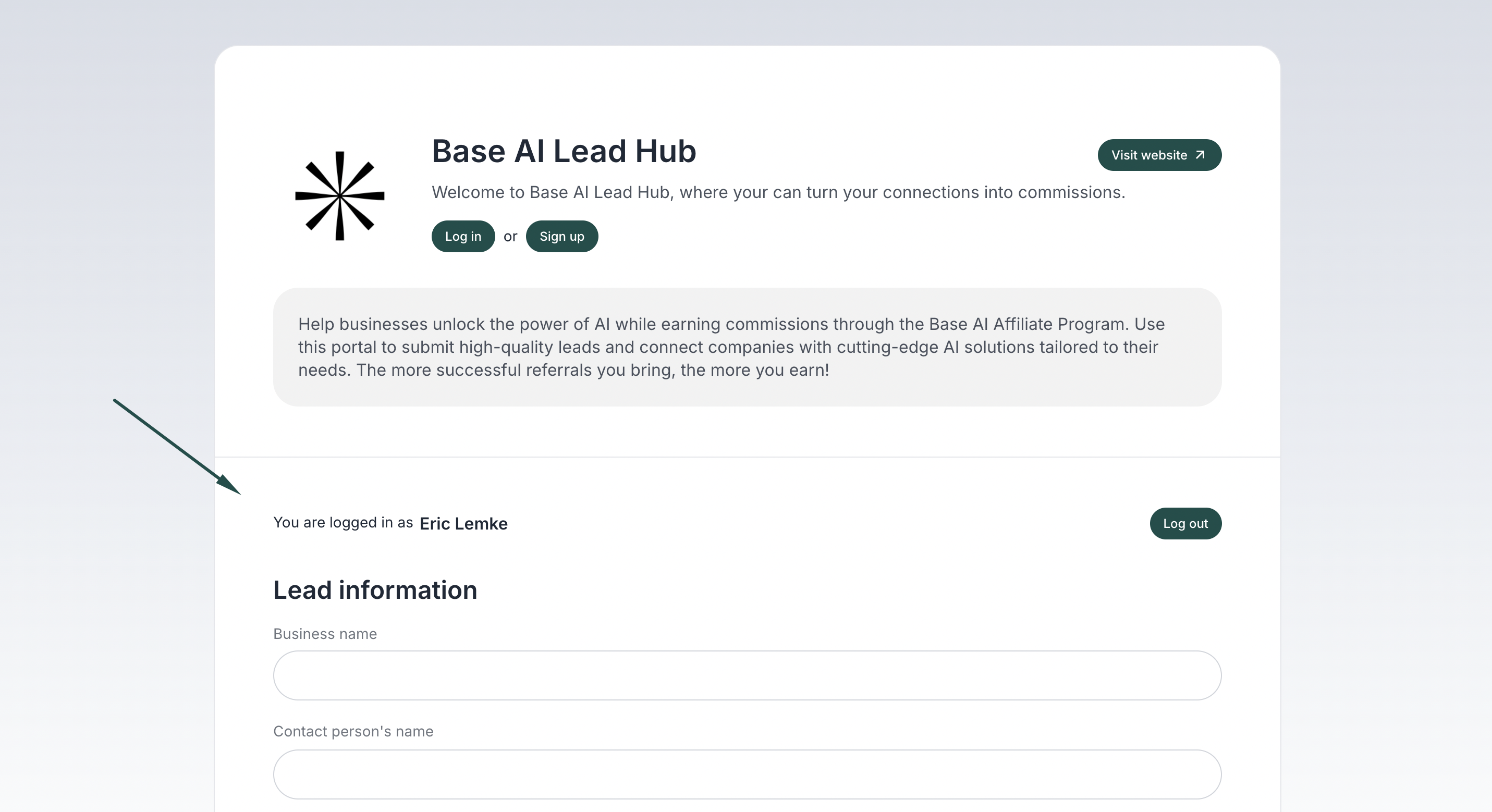
- Additionally, existing affiliate partners have the option to submit leads directly on the partner portal:
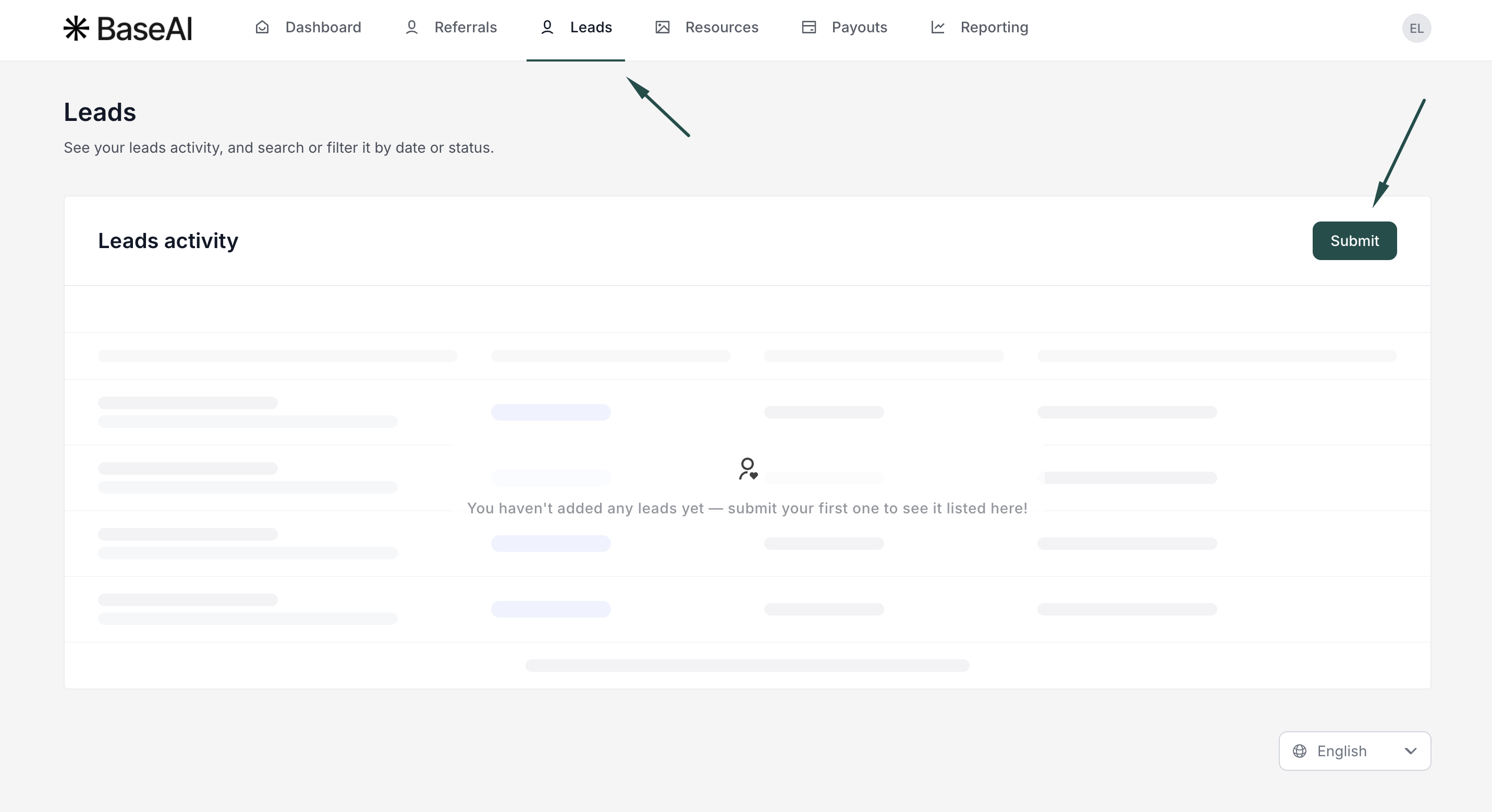
The affiliate partner will see the submitted leads in their partner portal under the Leads section. Submitted leads will have a Submitted, Rejected, or Converted status:
Once converted, leads will be turned into customers and are visible under the Referrals section. They will have a Sale status and the associated reward.
Next up: Managing submitted leads.