
Analytics: Click activity
A detailed log of every click your affiliate links receive, with full context. Click Activity shows individual click-level data, including the referral link, traffic source, device, browser, and which partner drove the visit. This is your forensic tool for diagnosing tracking issues, verifying affiliate activity, and understanding the audience your partners reach.
To access, open your program, click on Analytics, and switch to the Click activity tab: 
Data captured per click:
- Referral link: The exact affiliate URL clicked, including any UTM parameters or custom query strings.
- Referrer: The source page where the click originated — the partner's blog, social media post, email newsletter, or "Direct" for untracked sources. Reveals which promotional channels your affiliates actually use.
- Device: Desktop, mobile, or tablet. Understand how your affiliates' audiences browse.
- Browser and OS: Technical details for diagnosing platform-specific conversion issues.
- Partner: Which affiliate drove the click, with a direct link to their profile.
- Timestamp: Exact date and time of each click.
Features:
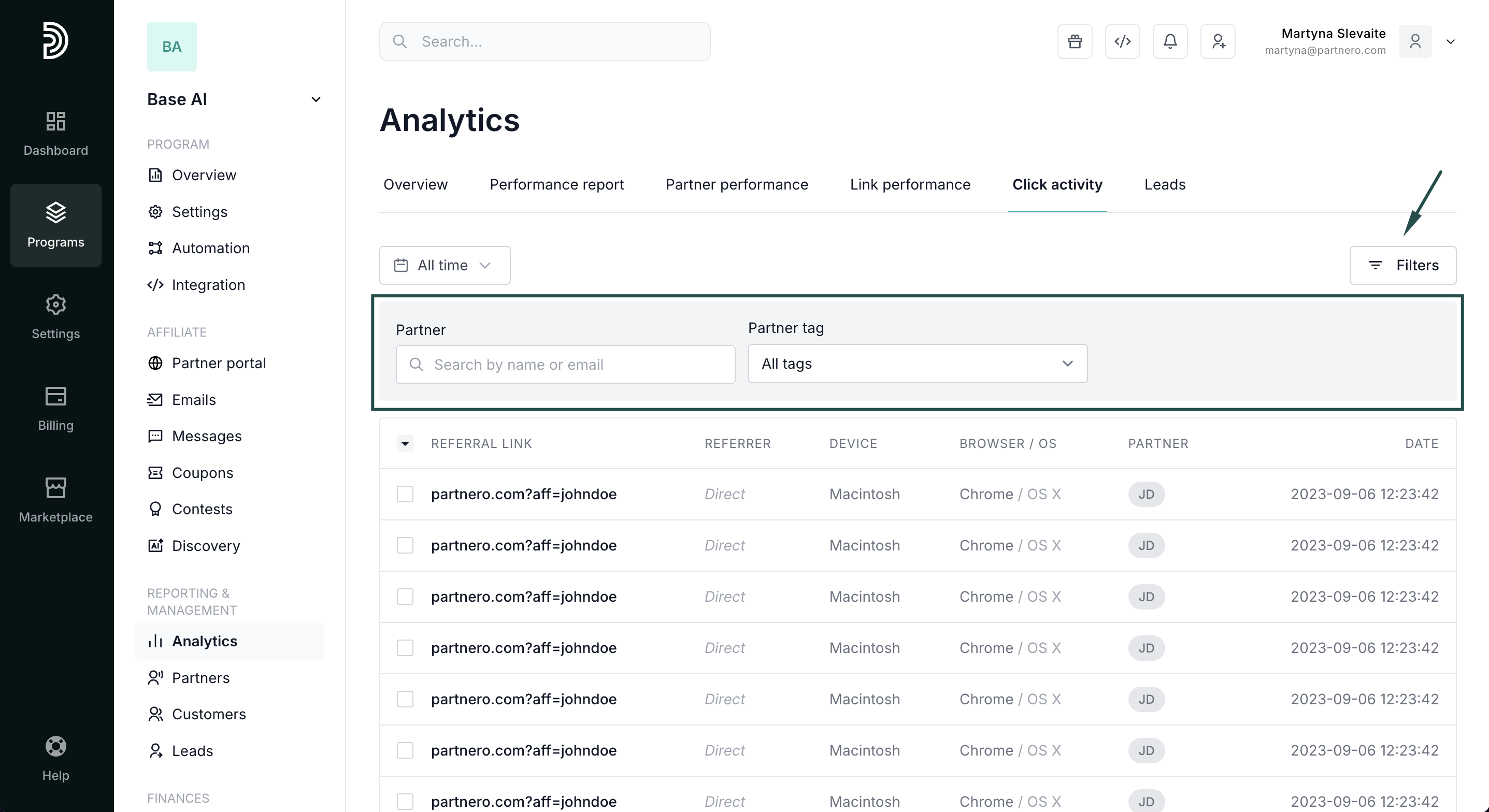
- Filter by partner or partner tag: Isolate one affiliate's traffic to audit their activity or investigate anomalies.
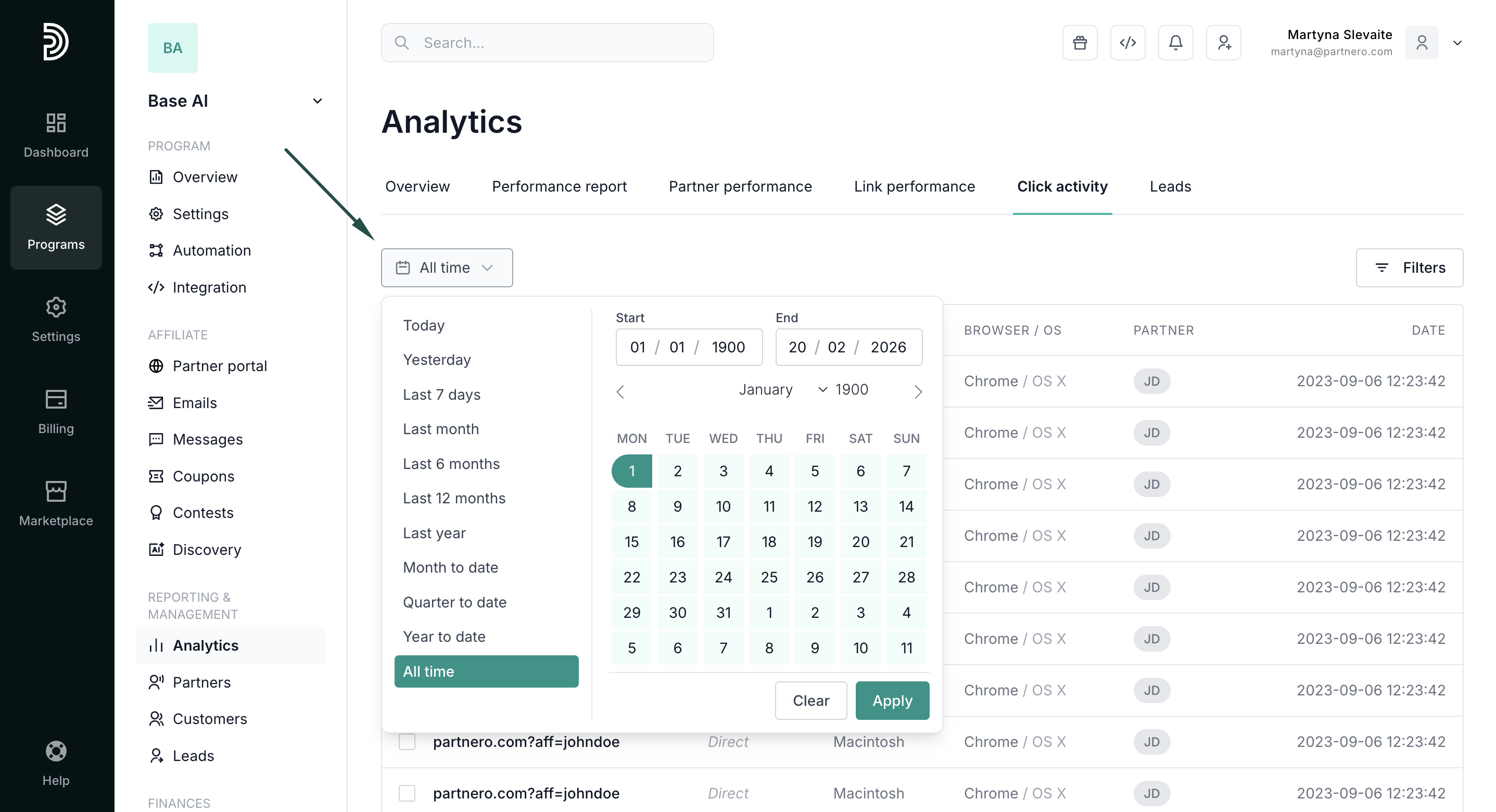
- Filter by date range: Narrow down to specific periods for incident investigation or campaign analysis.
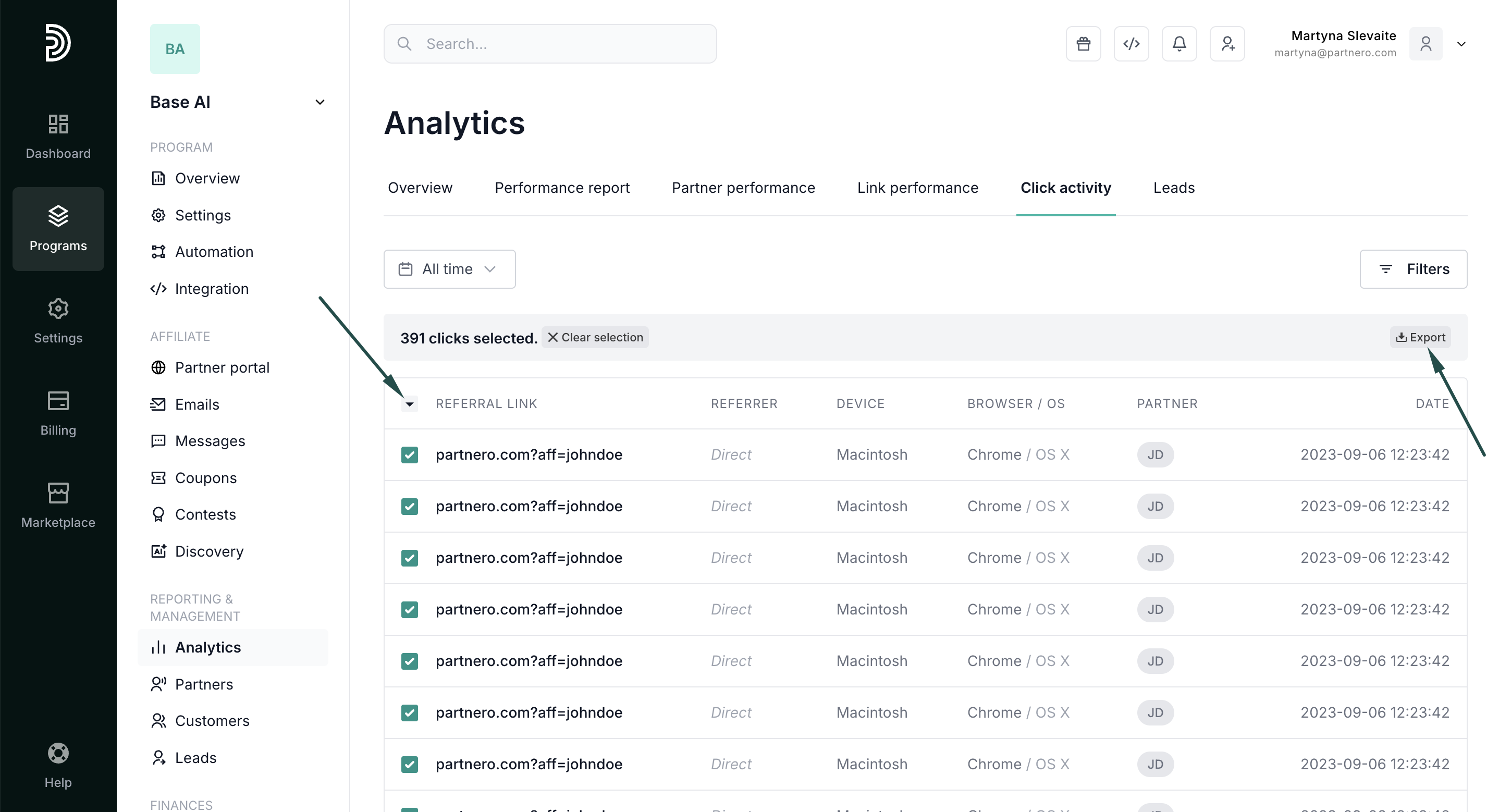
- Export: Select and download click-level data for compliance reviews, fraud detection, or detailed traffic analysis.
Best for: Fraud prevention, tracking verification, understanding affiliate promotional channels, and debugging conversion issues on specific devices or browsers.
Continue reading about analytics
Explore other analytics reports to better understand your performance and optimize your partner program:
- Analytics Overview – High-level dashboard summary of your program’s performance
- Performance Report – Detailed breakdown of conversions, revenue, and partner results
- Partner Performance – Compare and evaluate individual partner results
- Link Performance – Analyze how individual tracking links are performing
- Lead Analytics – Monitor lead acquisition trends and quality