
Affiliate program settings
In this article, we'll cover the main affiliate program settings. If you haven't yet, you'll need to create a program first.
The Program settings section has three tabs: General, Notifications, and PartneroList.
Settings: General
Let's start with the General tab.
 The General tab gives you the option to view and edit the main details of your program:
- Program name - this name will be visible to your partners when they sign up and is used in program emails.
- Website URL - the default page that your partners’ affiliate links will lead to.
- Partner portal URL - the partner portal login page. You can use our default link or connect your own domain.
Here you can:
- Connect a custom partner portal URL
- Customize your commission structure
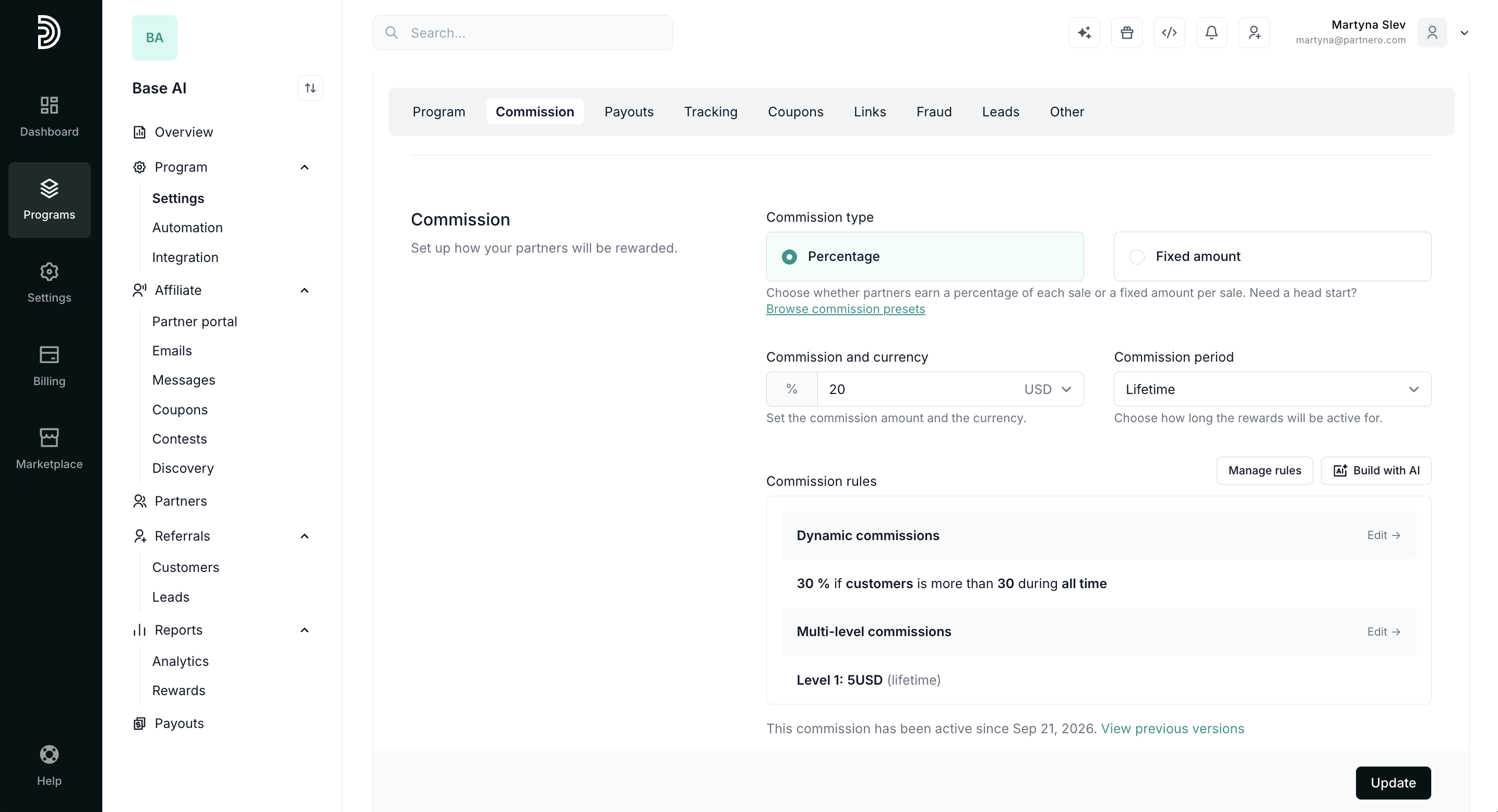
- Customize payout settings and options
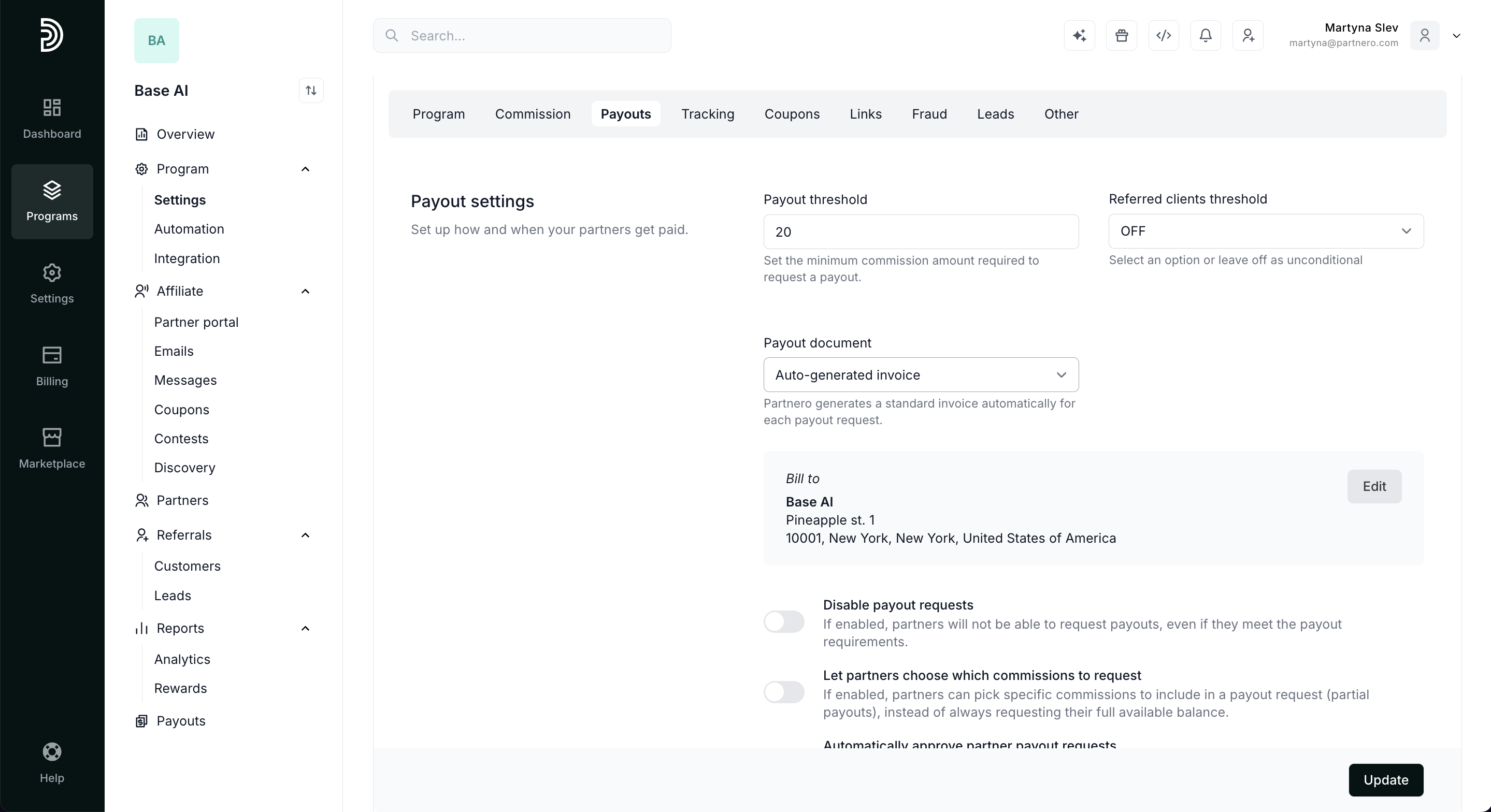
- Configure tracking links and attribution
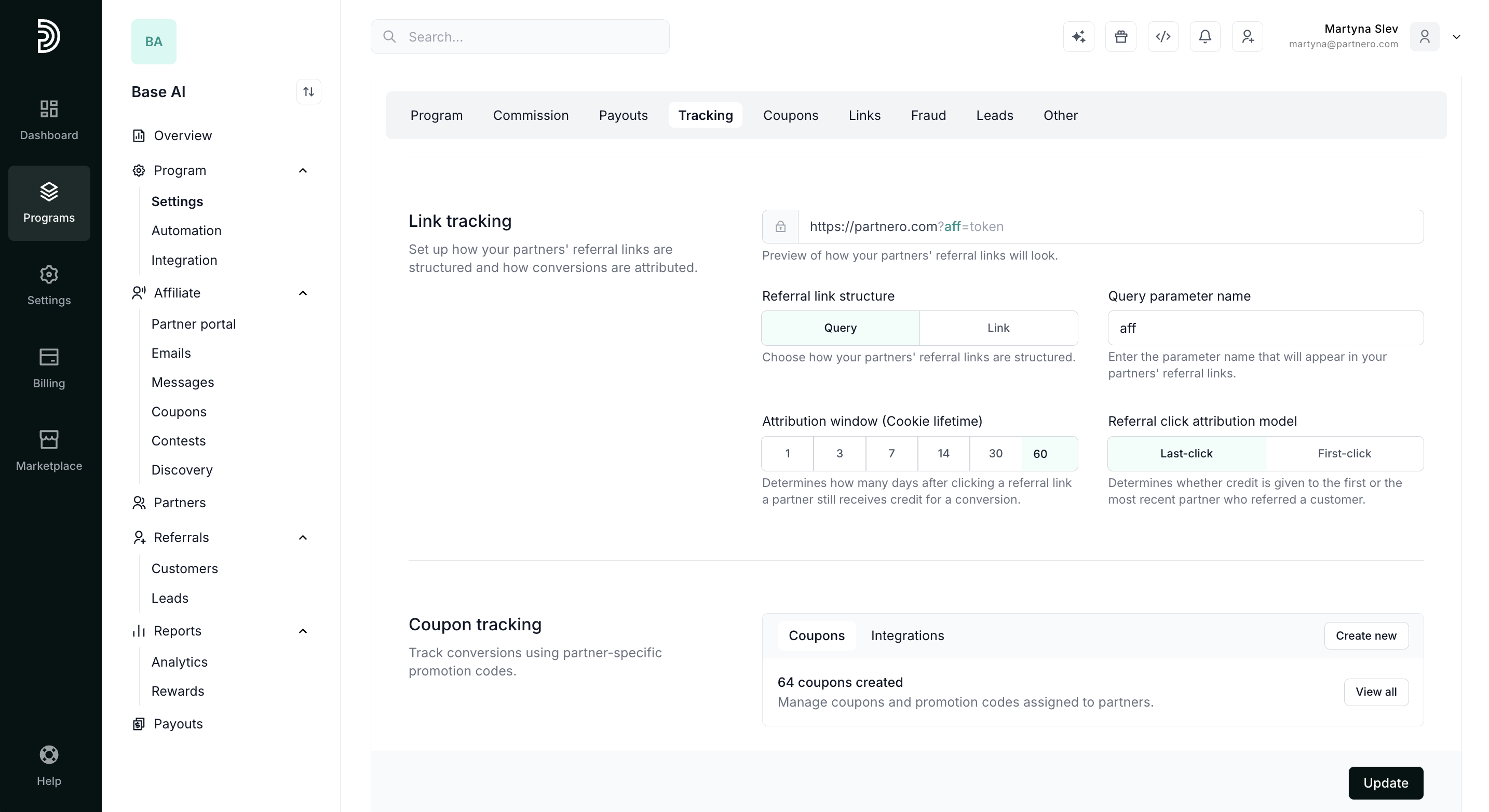
- Manage coupon tracking
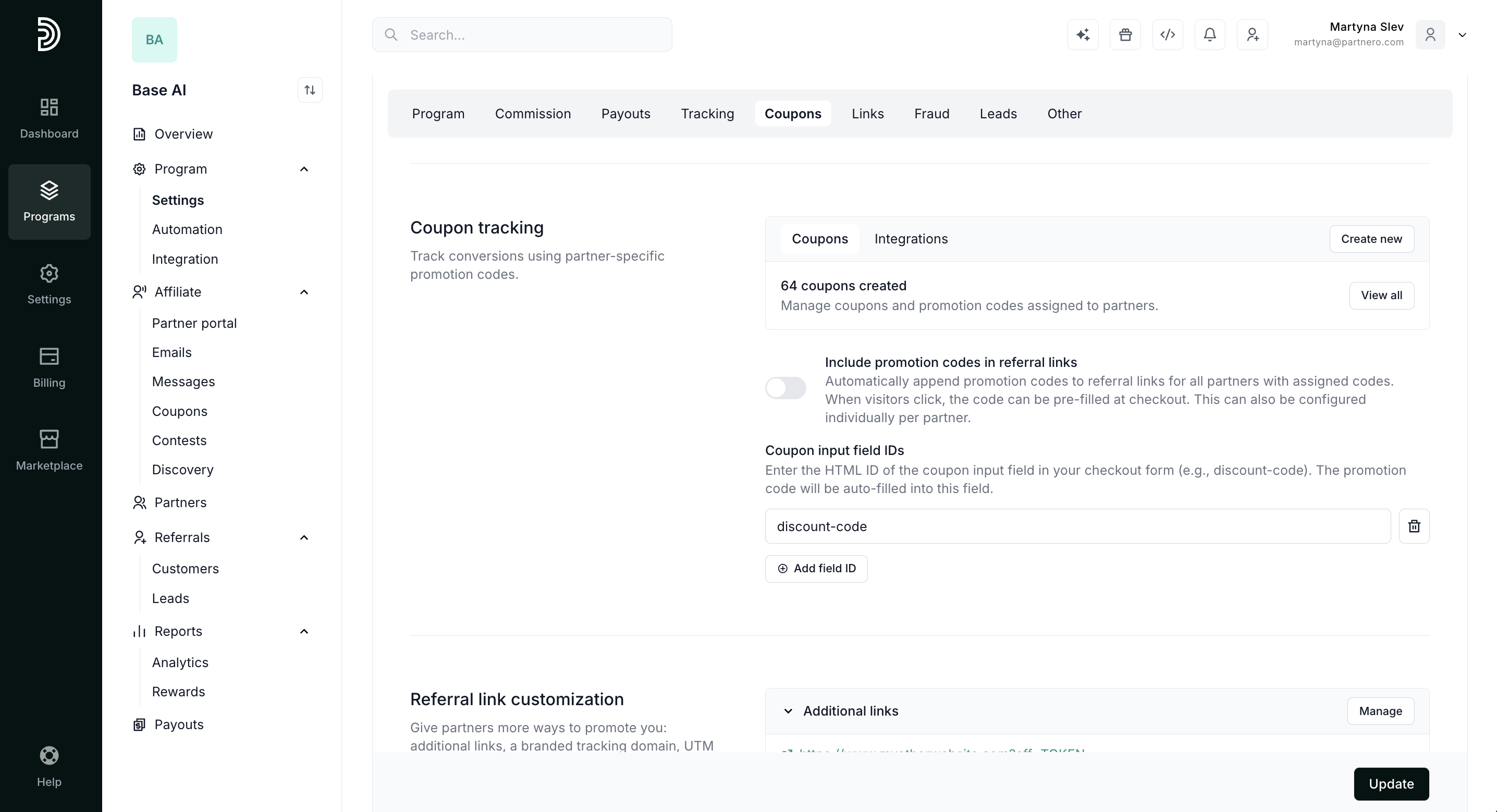
- Connect additional tracking links through Advanced links
- Connect a custom domain for your tracking links
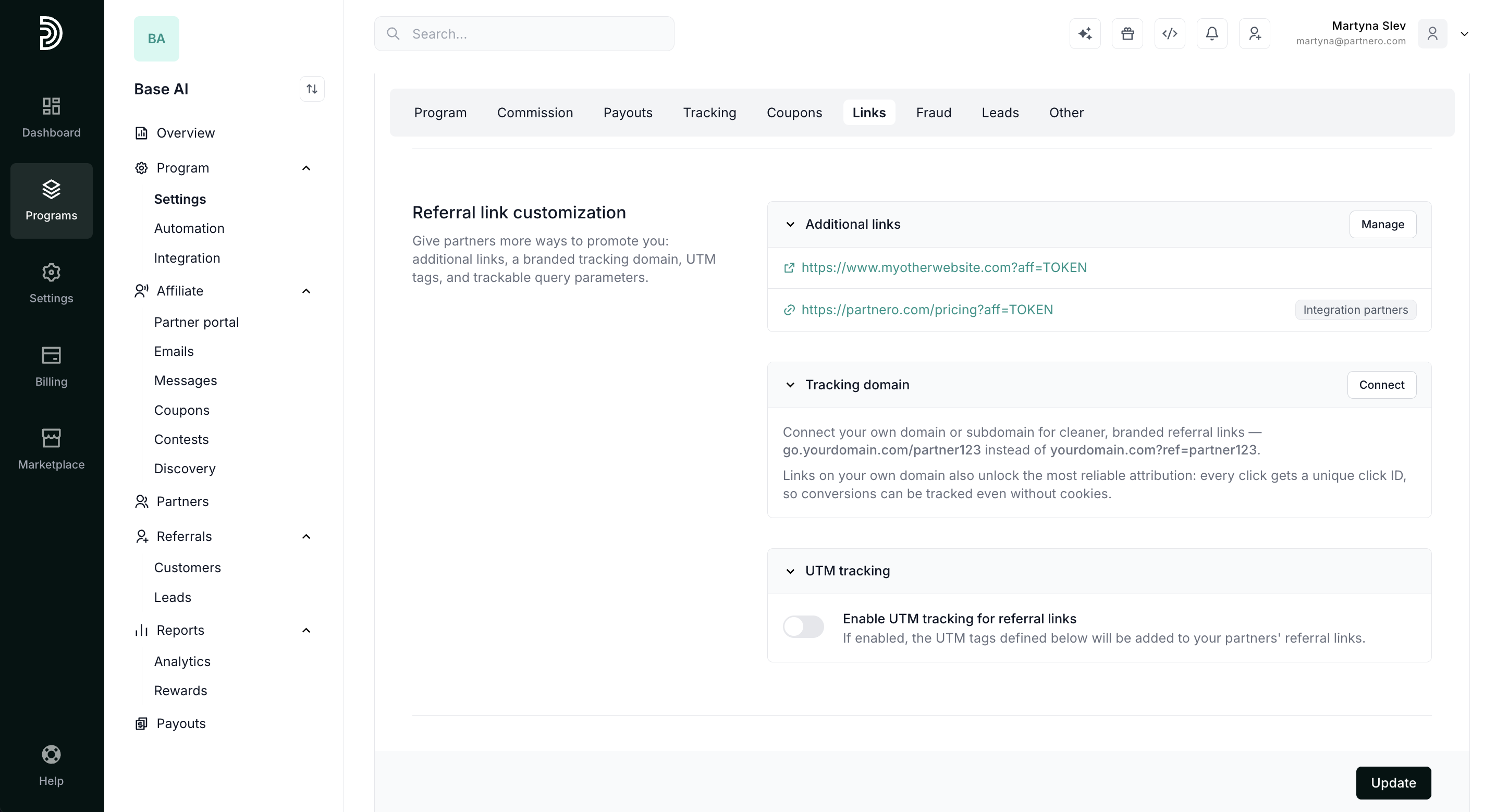
- Update Transaction & Protection settings
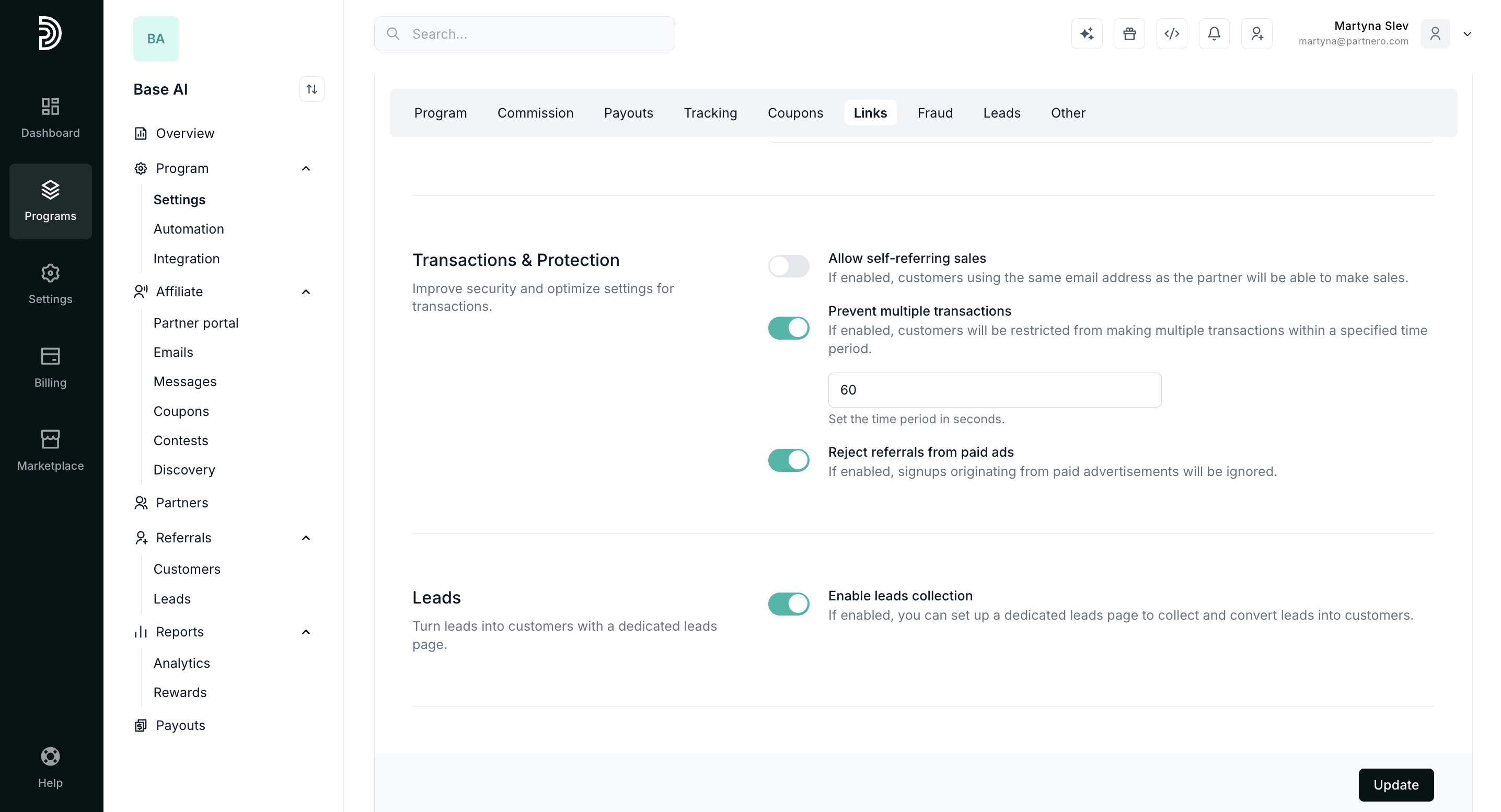
- Enable leads collection
This Other section offers additional options for your program:
- Enable approval form for new partners - if enabled, new partners will have to fill out a form and get approved before accessing your program. Read more about approvals here.
- Enable approval form for partner customers - if enabled, customers created by partners will have to be approved.
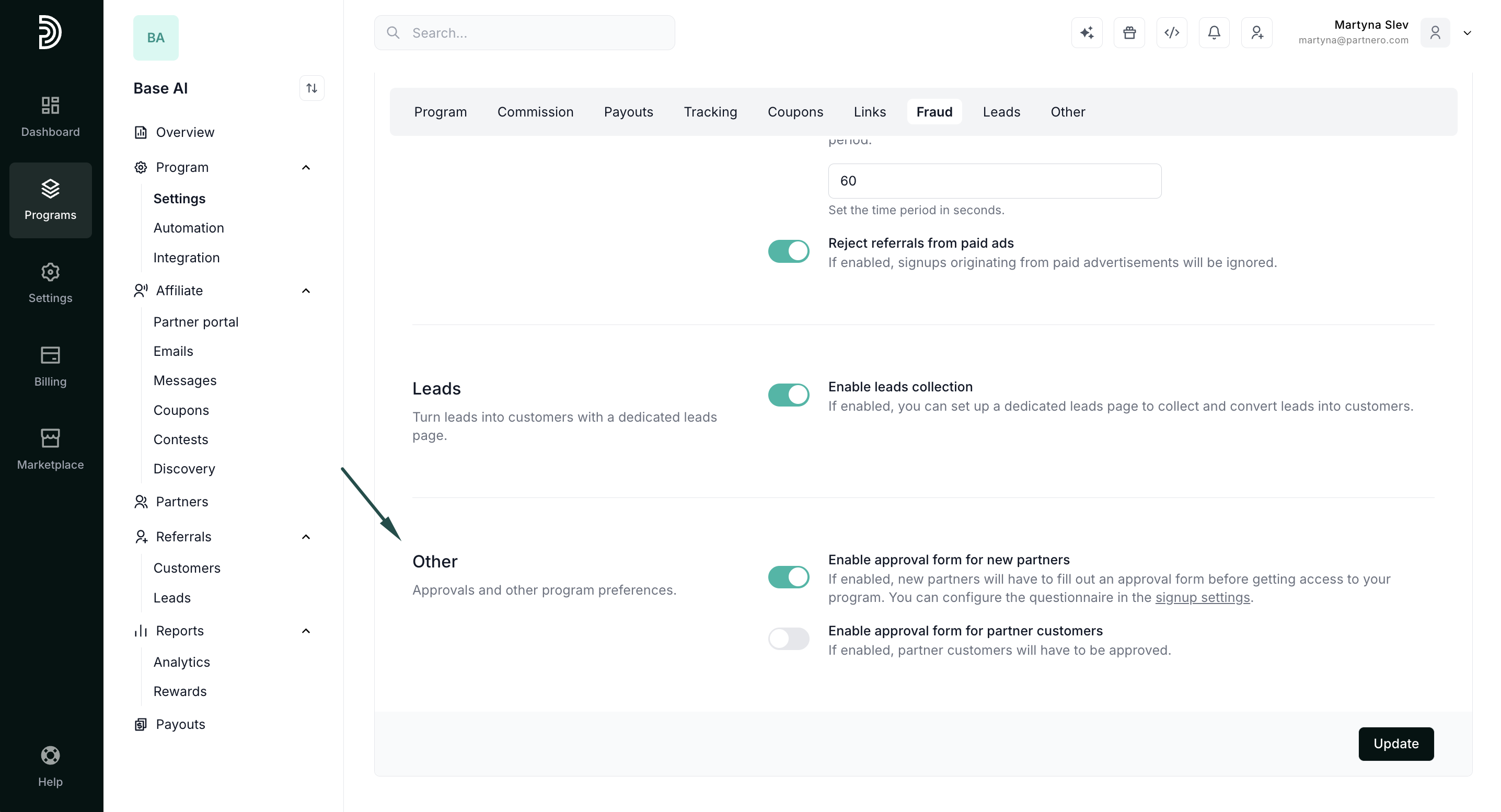
Make sure to click Update after you make any changes
The last section on the General tab is to:

Settings: Notifications
The second tab in the program Settings section is Notifications: 
Here, you can enable email notifications for various events in your program. Here's how.
Settings: PartneroList
Lastly, you can submit your program to PartneroList: 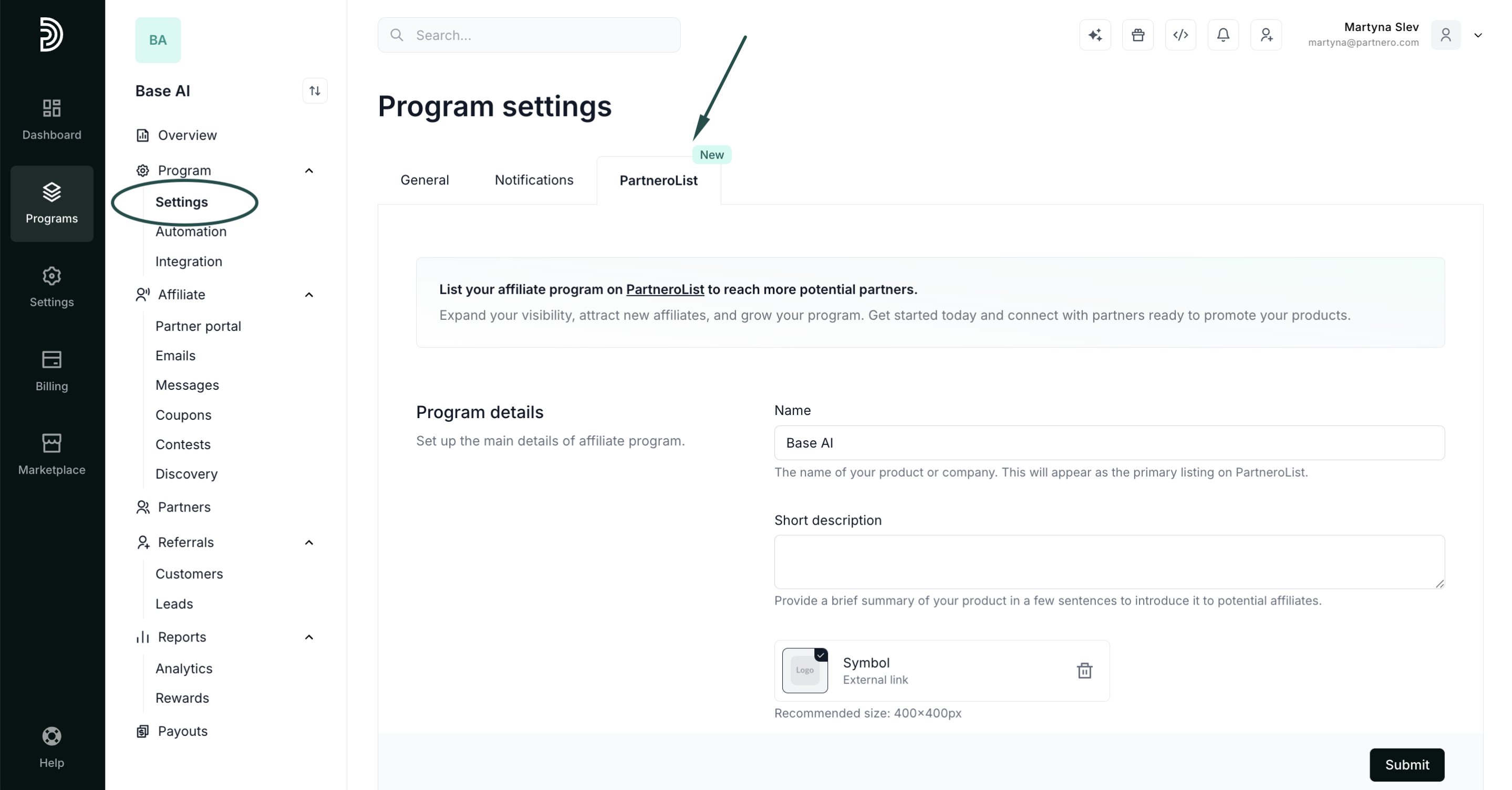 Read more.
 Read more.